Jimverse

Devlogs

Updates from projects across the Jimverse.

monbit

Monbit Weekend progress

  • It's quite interesting that I managed to fully work on Monbit after exactly 1 month (still shame on me -_-)
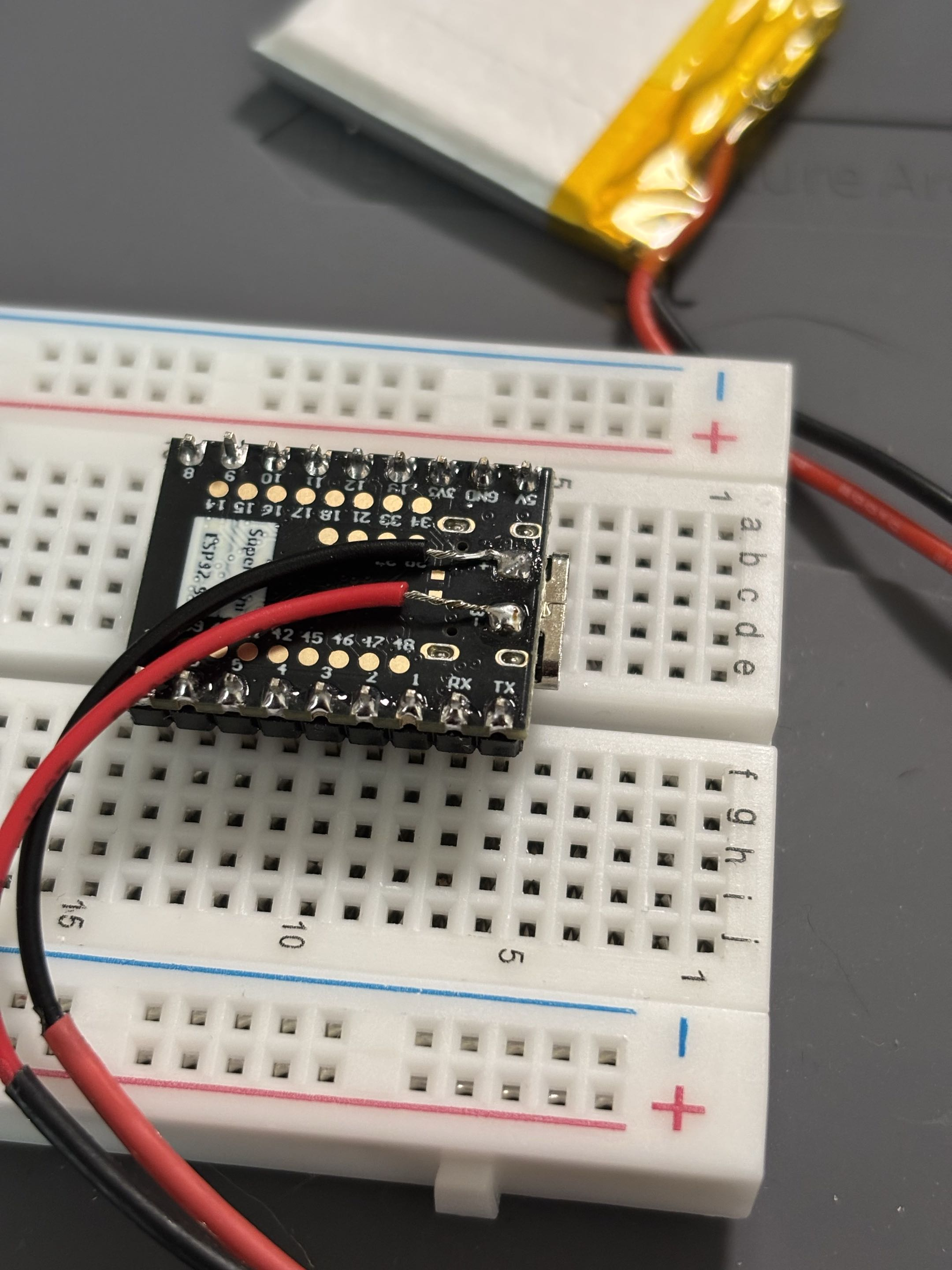
  • I've managed to fully switch to the new board ESP32-S3
  • The biggest struggle was to actualy upload it (I could not connect to it, I had to hold the boot button, then connect the USB and then upload FW) and of course cable management
  • I've connected all the peripherals and it works (so far).
  • Lastly, I have connected the battery but I would like to implement a small circuit that would allow me to read the battery level.
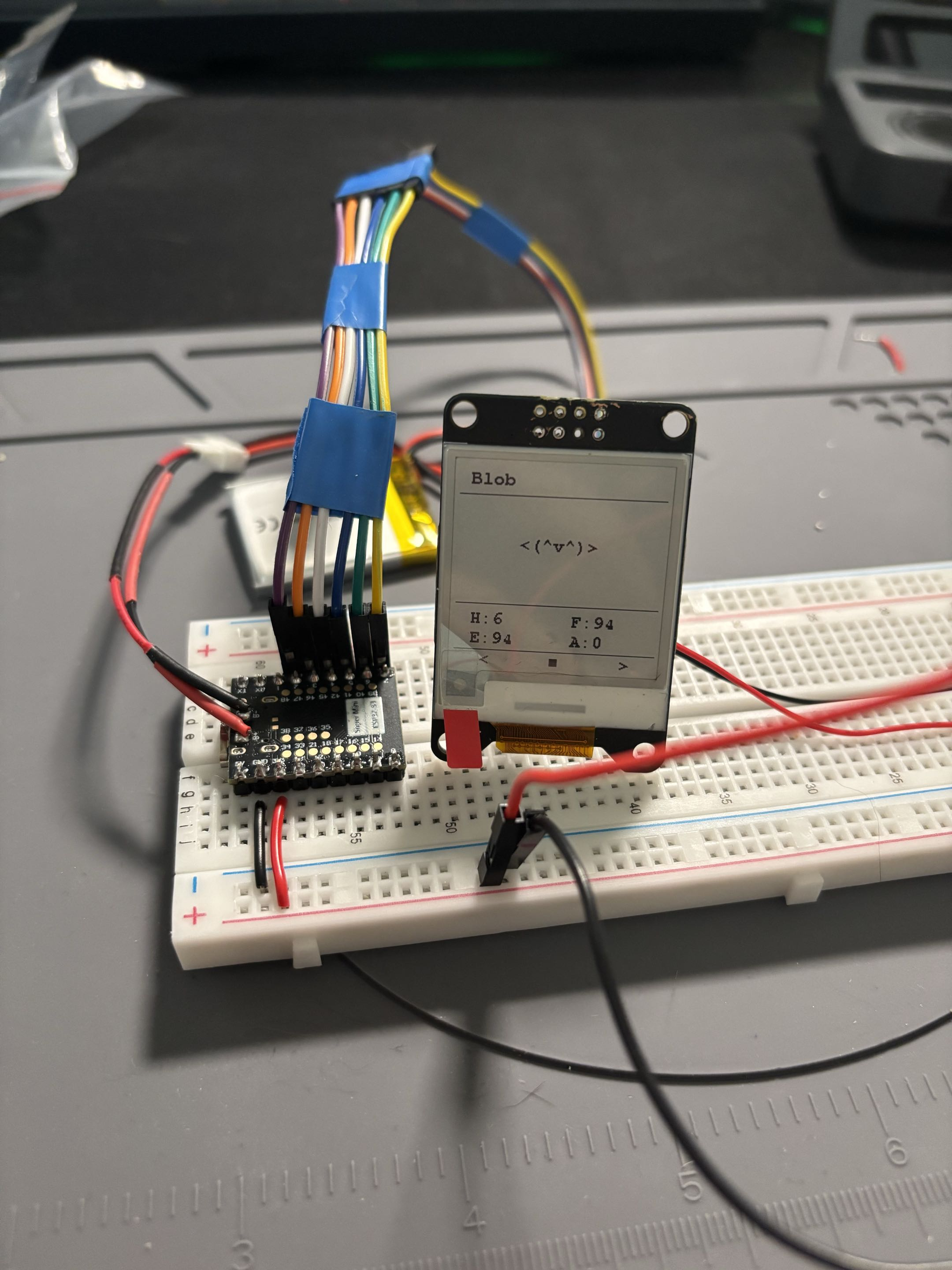
ESP32-S3 is alive! Battery connection

jimverse-web

Tag filtering

  • I think it's time for a new version release - v1.0.5
  • After playing with the image resizing, I have decided to add tag filtering for FieldNotes
  • You just click on a tag that you want to see and you should see all FieldNotes that have that tag.
  • It's not major feature and I would like to add View All option so you don't have to reload the field notes.

jimverse-web

Somtehing like icon

  • During the weekend I have decided to try and 'draw' an icon.
  • I was hoping to make something nice and simple.
  • The result is not the best, I am not good and pixelart lol. It'S just a purple planet-like object, or blob.
  • I might change it in a future but it will do for now.
  • Also, now you can click on an image to expand it. Click again and it will go back to the default position.
There should be a logo.

jimverse-web

Final touches for less glitches

  • I have finished the last bit that was causing the glitching - project details.
  • Now everything is build at the beginning and Nginx points to the 'dist' folder where is a new html generated with all it's necessary stuff.
  • I am still unsure if that is the best approach. I might eventually need to use some kind of framework. However for now, it works well.
  • The styling of the header and footer has been improved (I hope).
  • I have also added a dropdown menu for projects and icons to projects (curently same for all of them. I would like to create my own in the future.
  • I made a small space between the different logs/projects/cards and editet style to Field Notes so it's almost the same but different, also the date has been moved to the right.

jimverse-web

Introducing NodeJS cuz the glitching was devastating.

  • I re-did, re-wrote and re-designed a few things.
  • I spent an hour deciding which font to use, I am still unsure about the current one.
  • There should not be any glitches anymore. (noticed only few within selected projects)
  • The NodeJS had to step in and it builds the web before it's being accesible.
  • Majority of the parts are now loaded upon building the website so it should not affect the visual aspects. ^.^
  • Still need to fix few things, but it's a progress!
  • Oh and as my dear friend suggested, the '#' should be clickable so user can filter based on them.
  • Actually I am thinking of adding a filtering system based on date, project type, hasthags etc.

jimverse-web

Field notes have arrived

  • New version with field notes arrived.
  • The Field Notes are basically random notes that does not have any place but I just want to have theme here.

jimverse-web

Heading nightmare

  • I finally got some time to do more things with this project.
  • Then I realised I don't so I managed the h1 sizes at least.
  • Still thinking about the style that I want to go with.
  • I need to draw icons as well!
  • But thats it for now, I have finals in few days so I need to focus on that first.

jimverse-web

Let there be light, or dark

  • Introducing dark/light theme
  • Added sun and moon icon, want to draw my own in the future
  • Still thinking about the design, I don't want to make it too complicated
  • It still works, yay!

jimverse-web

Polishing and settling

  • Code cleanup
  • Added Jimverse as another project
  • Will add more in the future, hopefully ...

jimverse-web

Hello Jimverse

  • Init of the website
  • Bought a domain
  • Made simple design with the help of Claude
  • On Raspberry pi 4 I have setup Cloudflare and made the site accessible from outside!

monbit

New ESP board struggle

  • It has been some time since I last worked on this project, but the new ESP finally arrived!
  • I tried switching to the new ESP32-S3 Super Mini board, but what a pain that was!
  • After about 3 hours of debugging, arguing with ChatGPT, and almost losing my mind, I ended up creating a custom configuration for this board since none of the available ESP32-S3 configs in PlatformIO were working.
  • The best part is that it works! Or at least I can see the === MONBIT === log.
  • The question is whether it's going to work with all the peripherals connected, but that's a TODO for now.

monbit

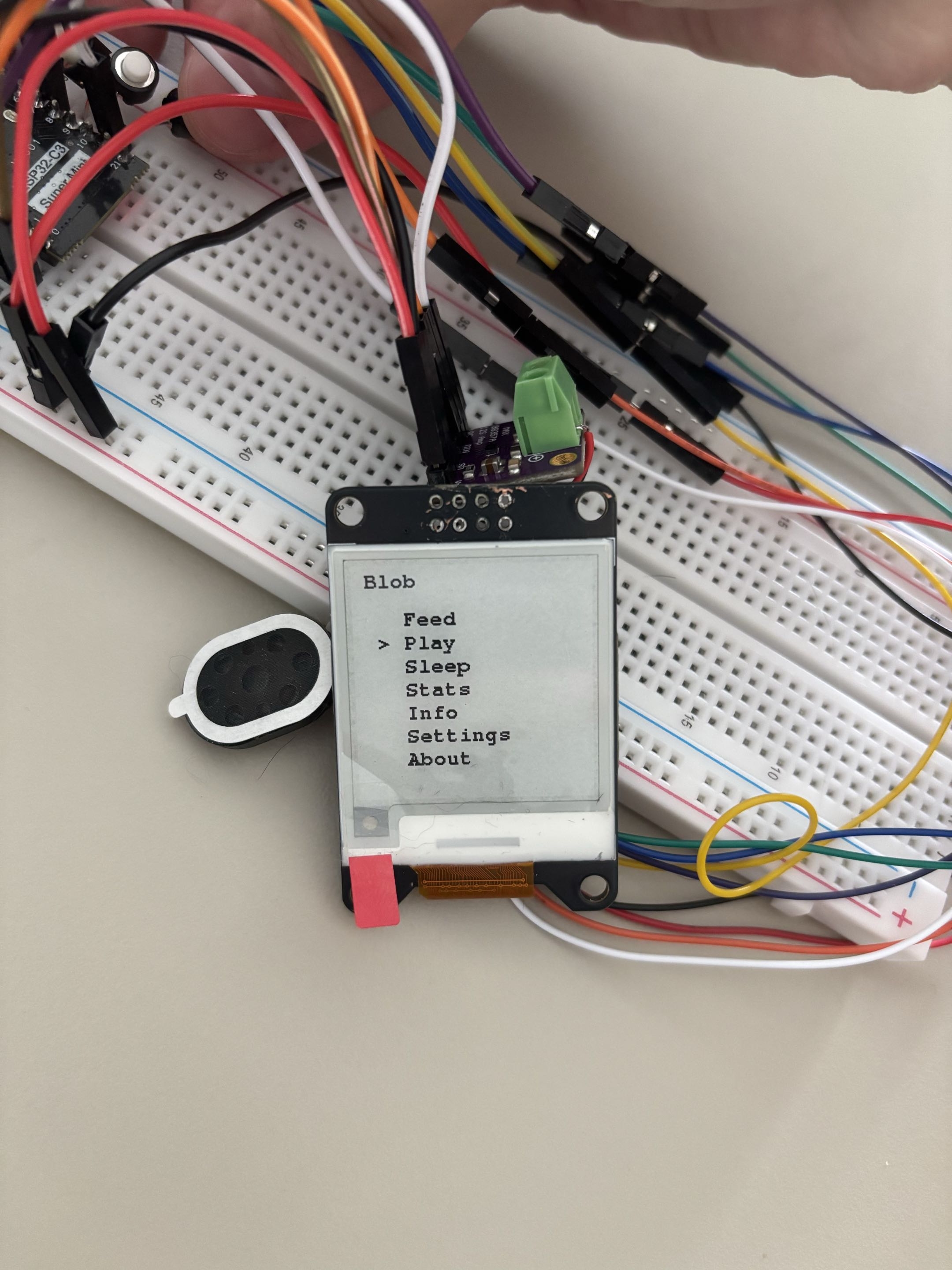
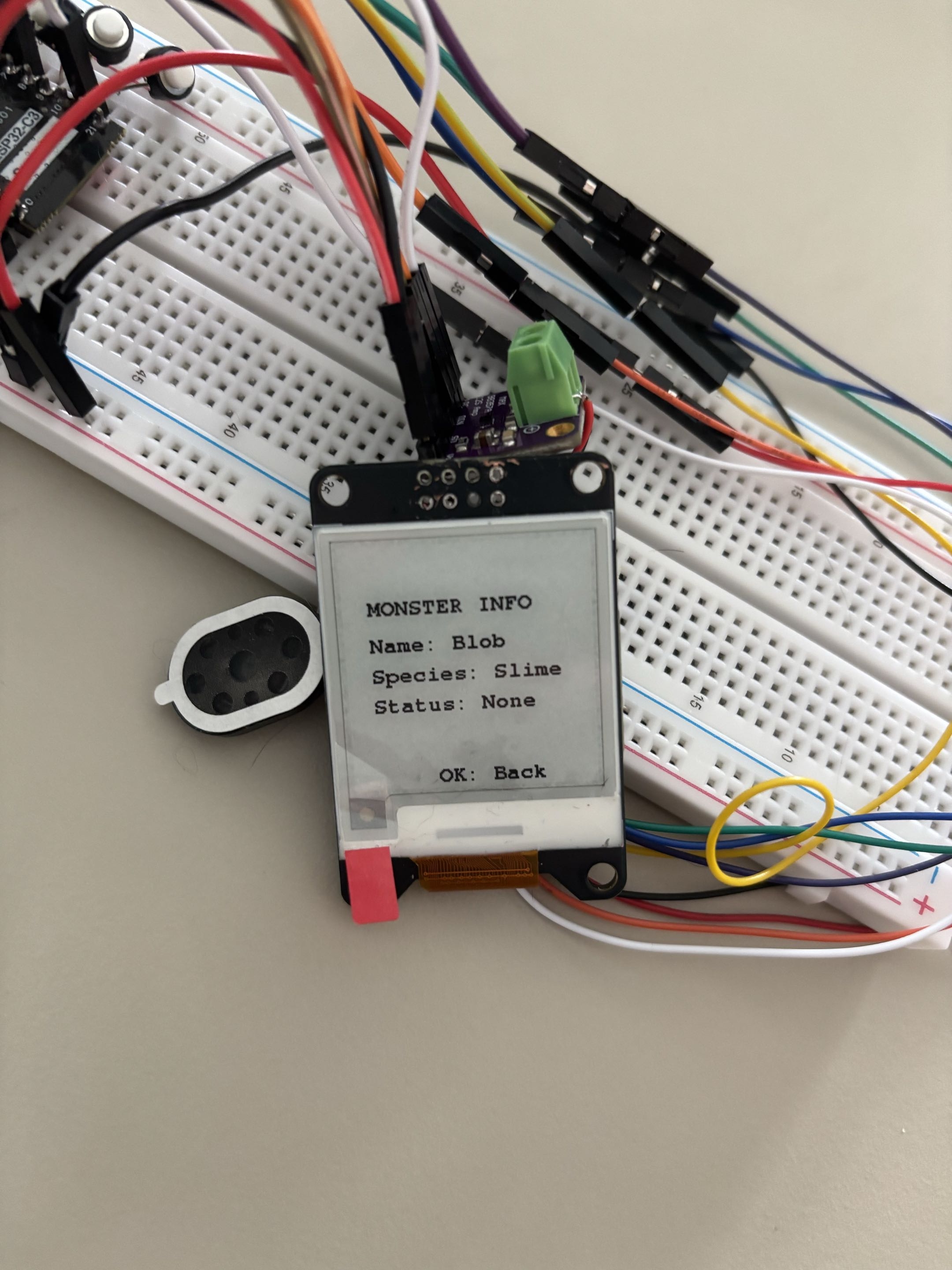
New menu entry

  • Added a new menu entry, Info, which displays more information about the monster itself: Name, Species and Status.
  • The status is currently None because the monster is alive and healthy. I don't want to show short-term status there, only long-term ones.
  • In the future I want to add an option to reset the monster.
  • I also increased the sleep and entertainment gain because it was too low.
What's on menu for today v1 Monster info

monbit

v0.0.6

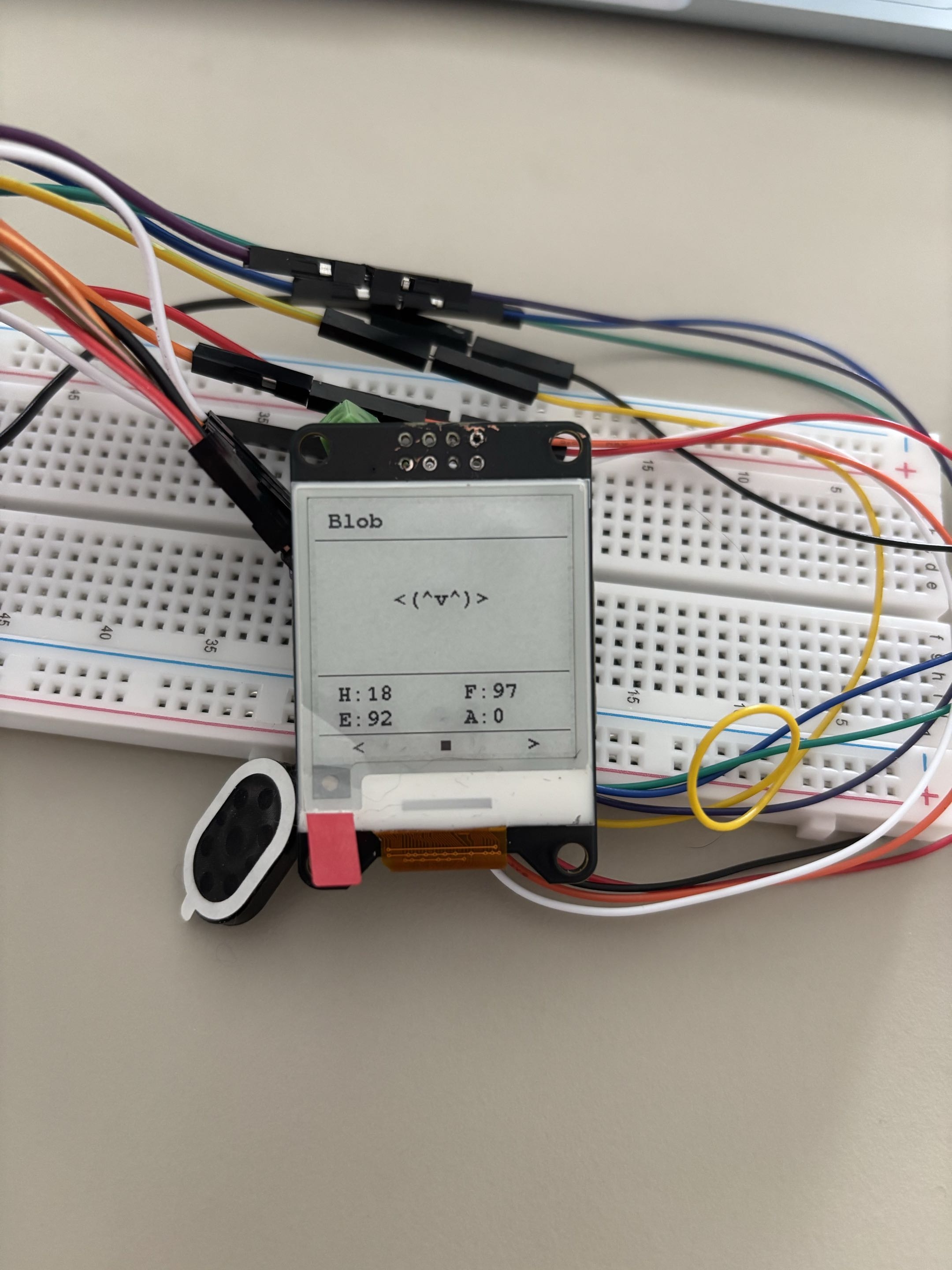
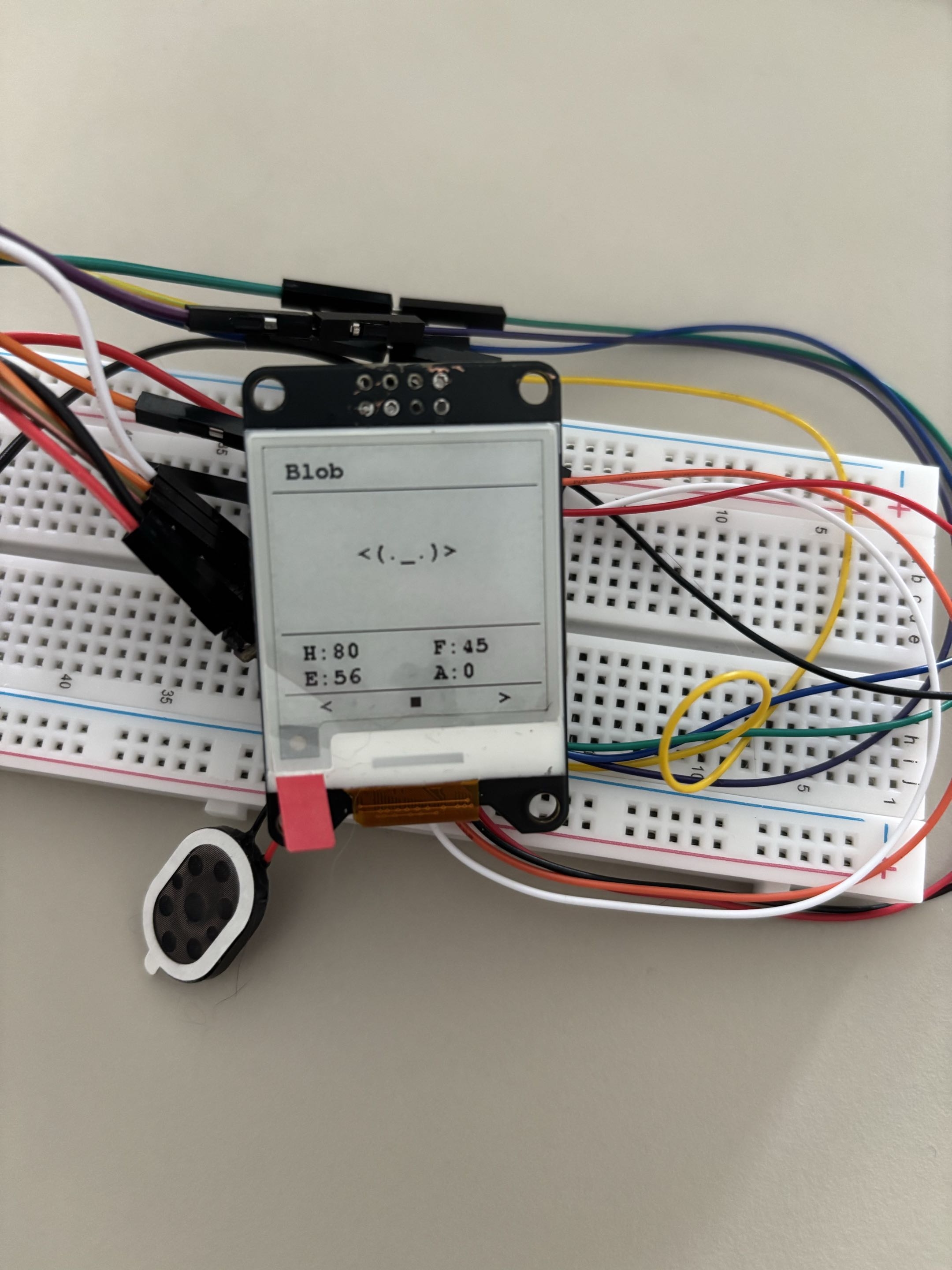
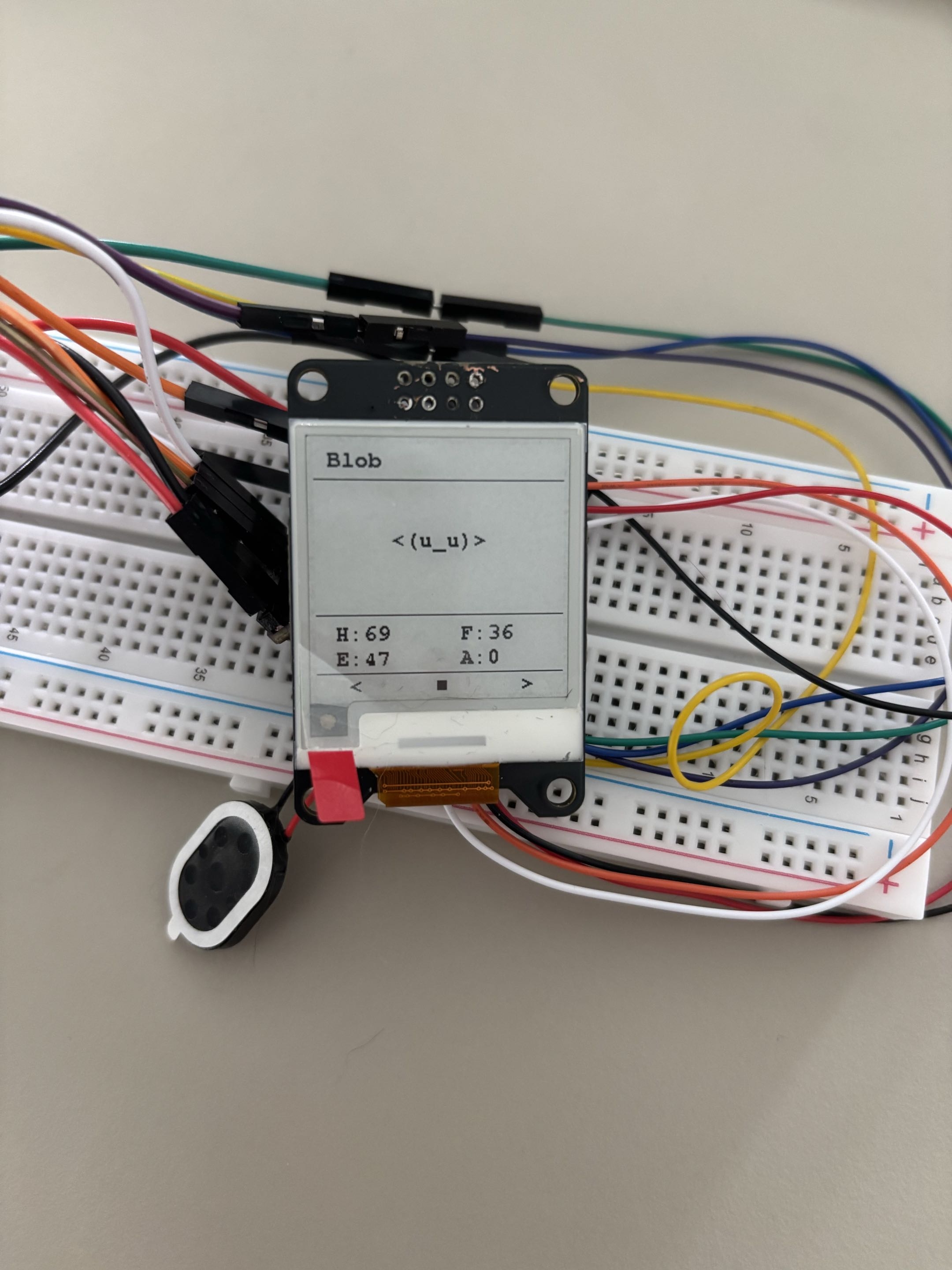
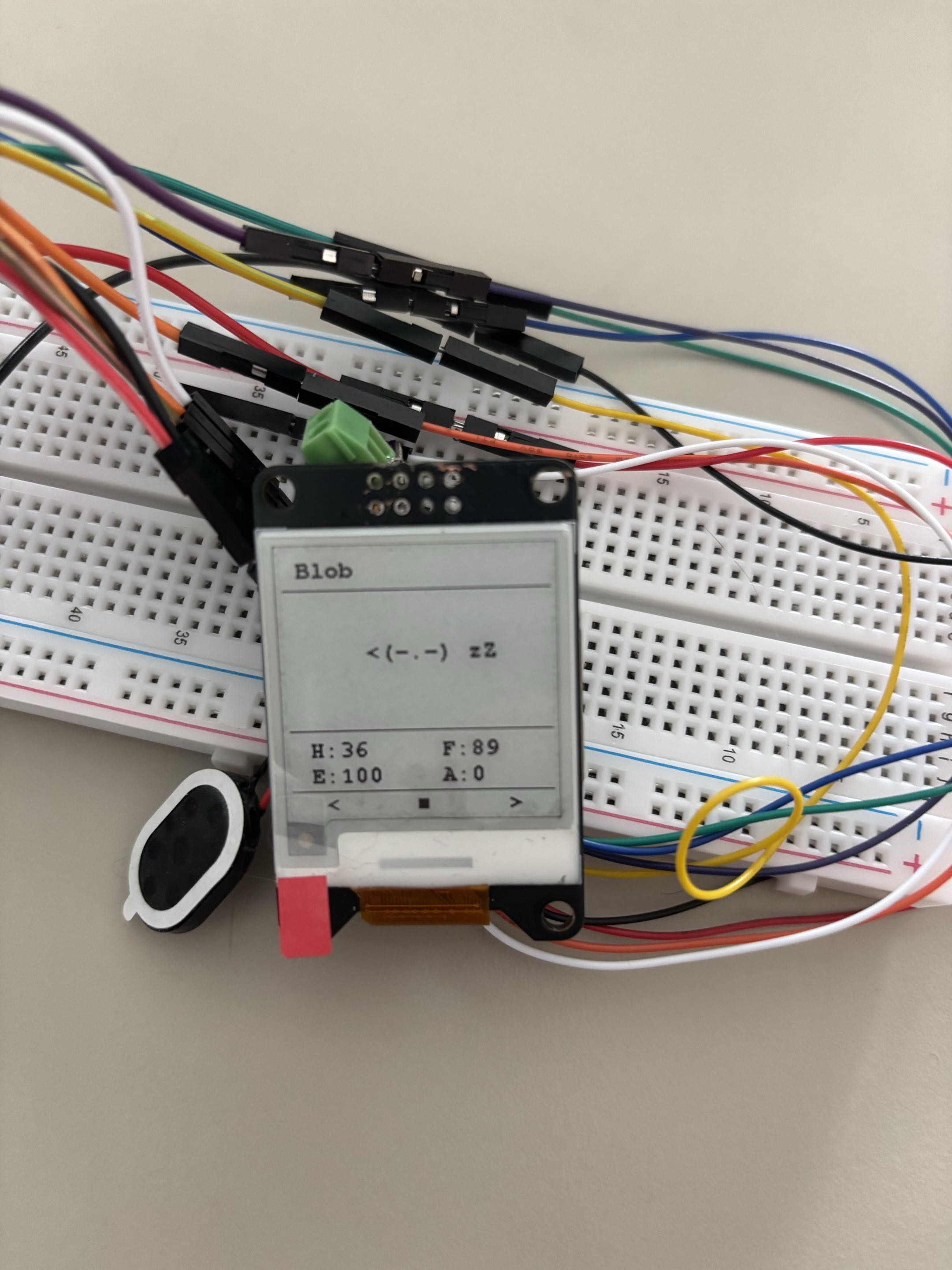
  • Added basic monster logic; the monster has different states and moods.
  • States: None, Playing, Eating, Sleeping, Dizzy, Sick, Injured, Dead.
  • Moods: Happy, Normal, Hungry, Tired, Bored, Sad, Critical.
  • It still needs testing. Not all states are implemented yet; for example, Dizzy logic will be added when the accelerometer is added.
Moods and everything - Normal Moods and everything - Happy Moods and everything - Sad Status and everything - Hungry Status and everything - Sleeping

monbit

Menu system update

  • Added a more polished menu system and made the code more readable and organized.
  • Settings are still mock, but I will implement them later. The user should be able to turn off the sound and change the monster name.
  • Next focus is monster logic.

monbit

v0.0.5

  • I decided to switch to a new ESP32 module, the ESP32-S3, mostly because of the extra GPIO pins I will need for the accelerometer.
  • Currently waiting for the module to arrive (approx. 2 weeks).

monbit

Audio update

  • Finally managed to implement clear sound with a specific configuration.
  • The problem was not the hardware but the audio config; wiring can stay as it is.
  • You can hear one beep sound when you power the device.
Speaker connection + spaghetti monster

monbit

v0.0.4 - Audio System

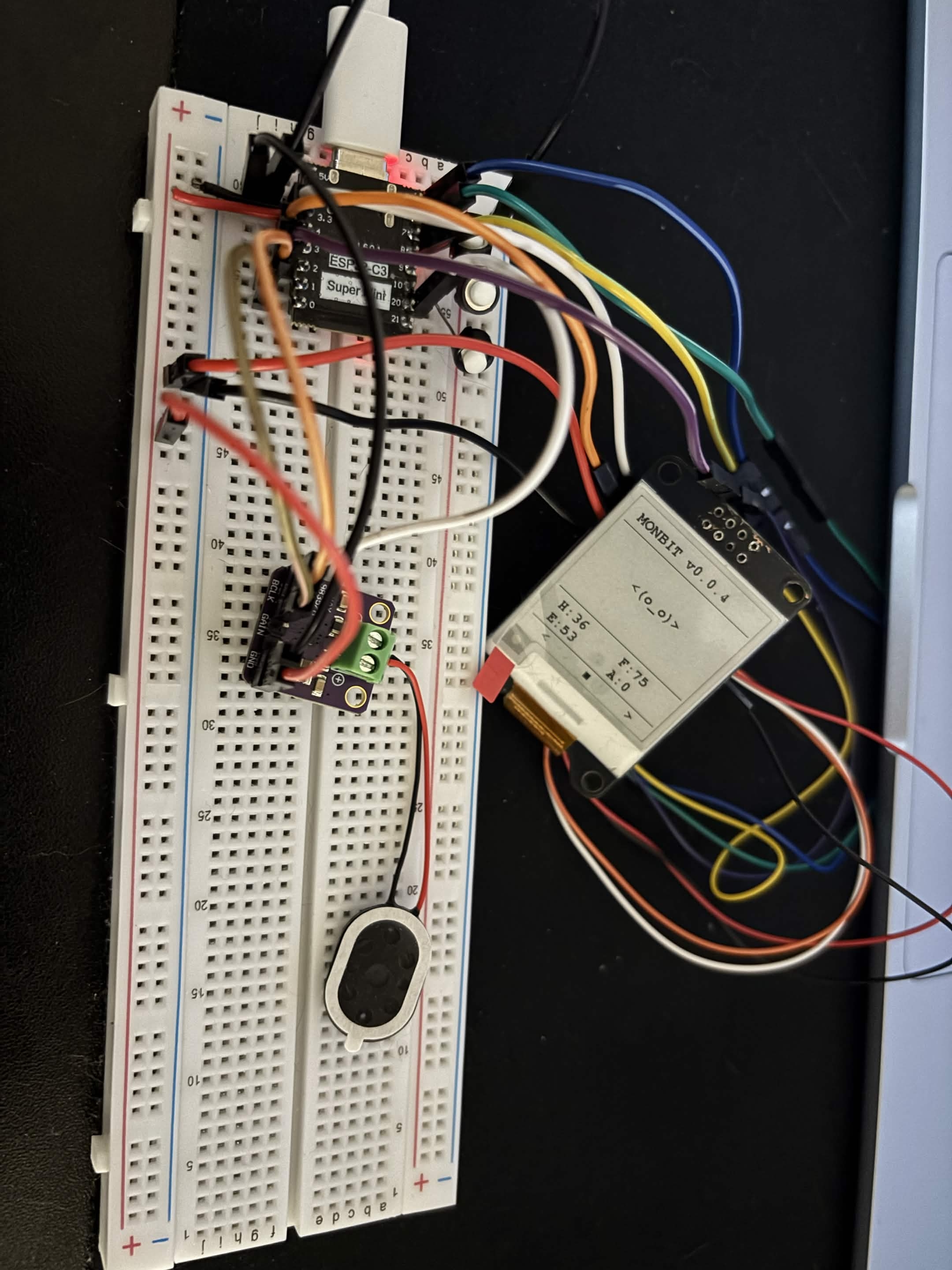
  • Soldered speaker to MAX98357A amplifier.
  • Wired amplifier to ESP32-C3.
  • Created audio module (audio.hpp and audio.cpp).
  • The speaker produces buzz instead of a clear tone and I have no idea why; maybe the I2S config is wrong.

monbit

v0.0.3

  • Added flash storage system
  • It was quite easy actually, so I am happy about that.
  • Saving is performed after a button is pressed.
  • I would also like to add an autosave every 5 minutes.

monbit

Button functions

  • The button now feeds the monster by 10 until hunger is back to 0.
Button State - hungry Button State - less hungry

monbit

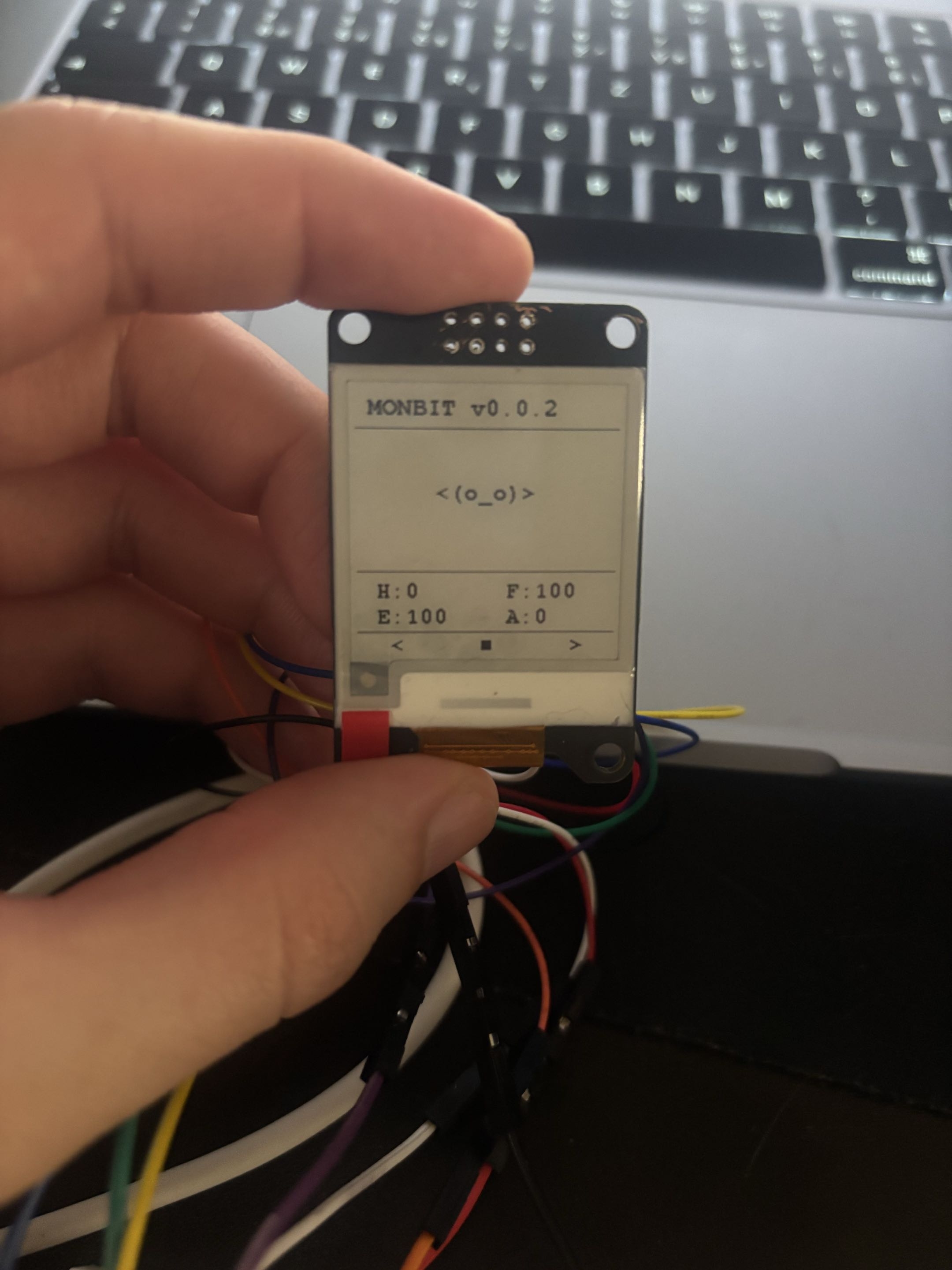
v0.0.2

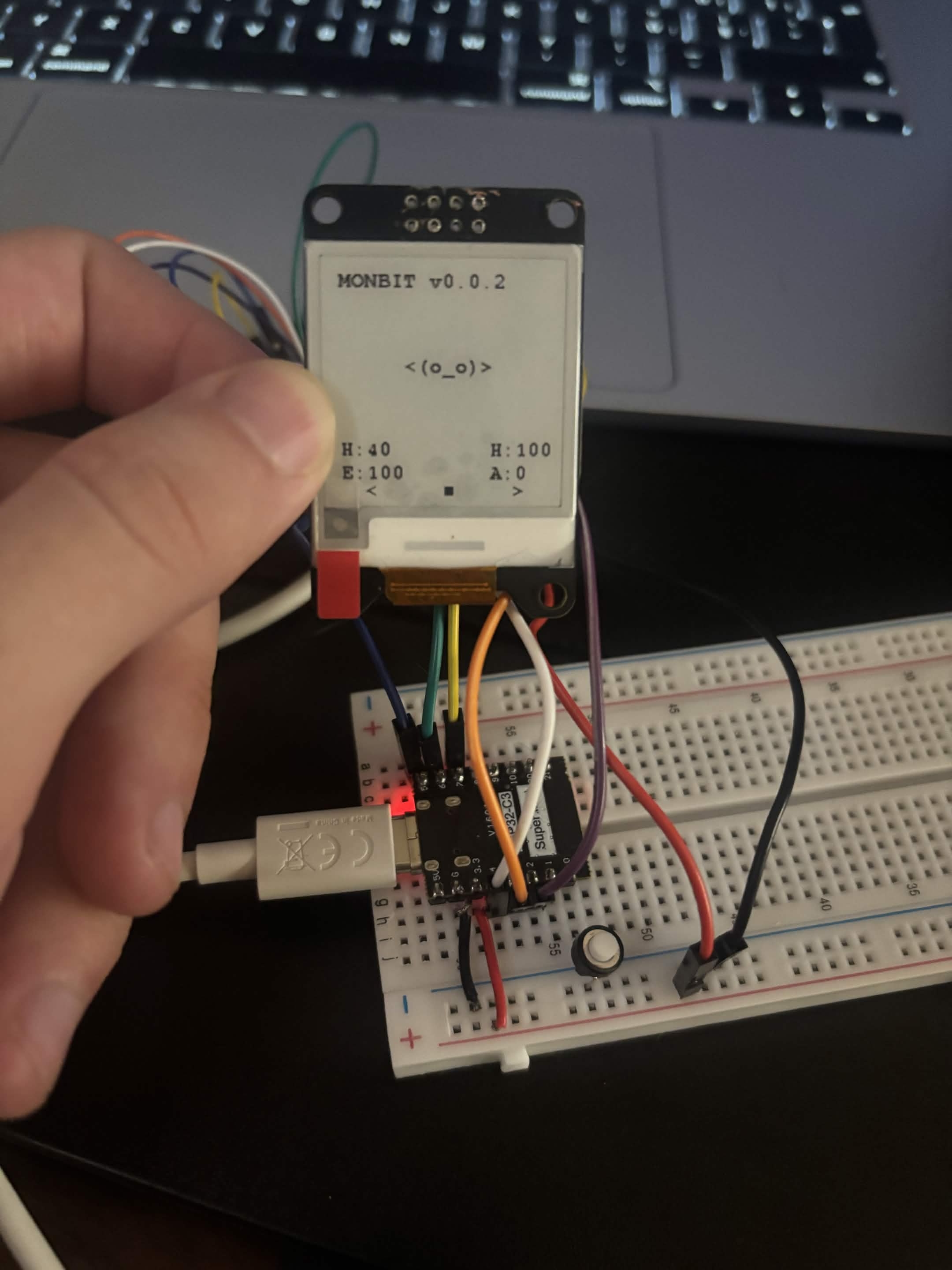
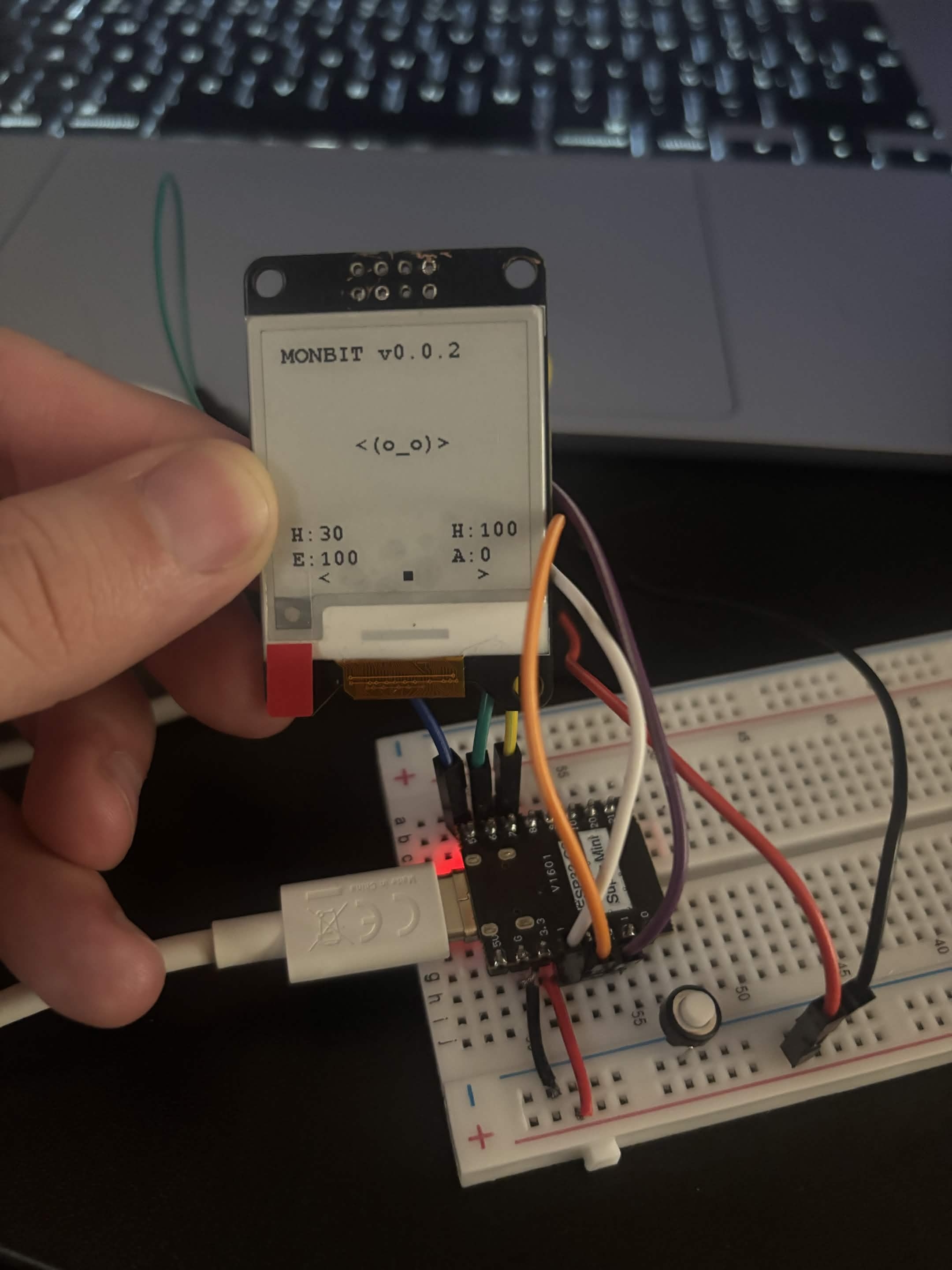
  • First button connected to pin 0
  • GUI refreshment
  • Renamed happiness to fun so in GUI it is displayed as F instead of a second H

monbit

First button

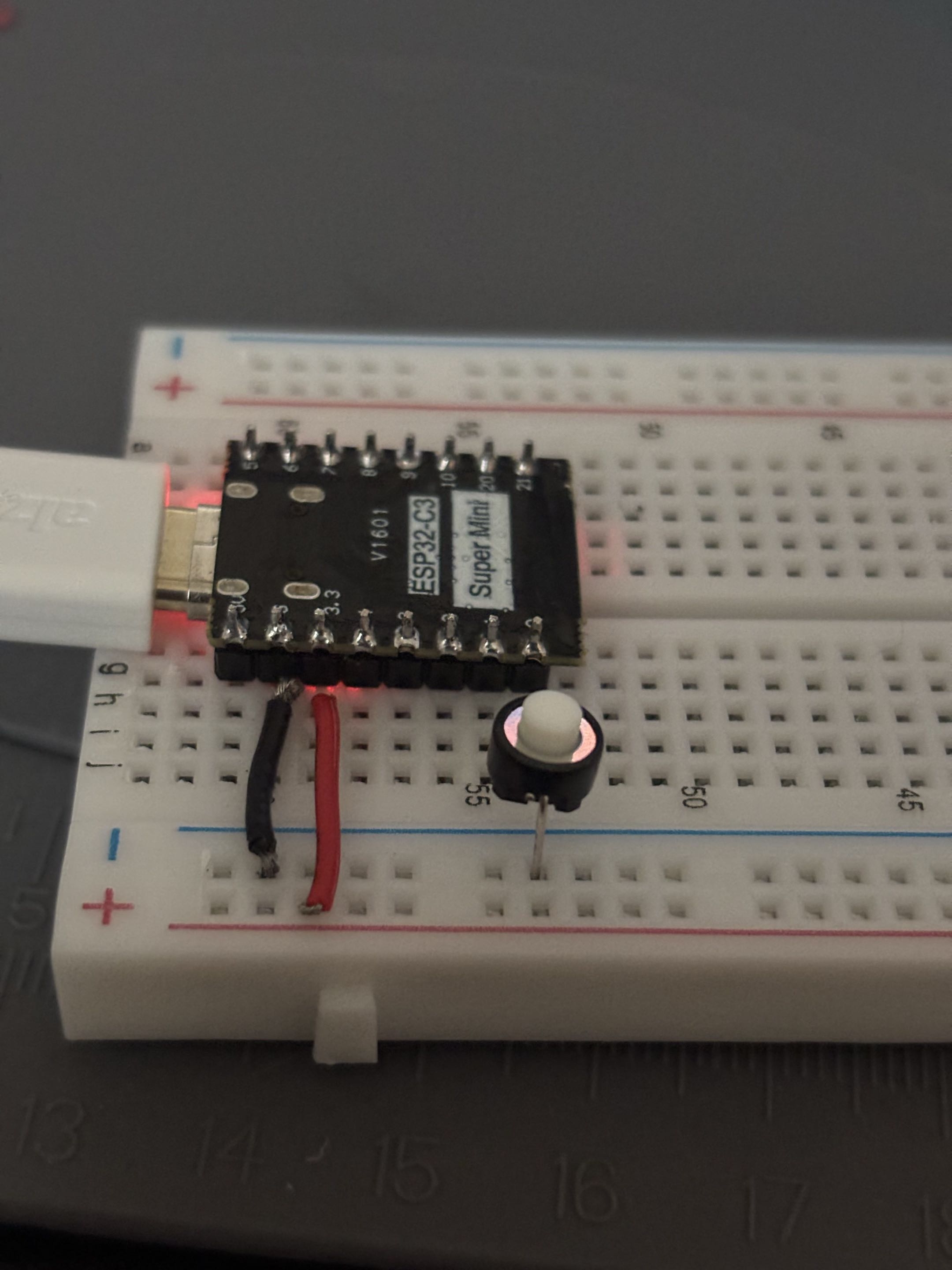
  • First button input succeeded!
  • And don't forget: BUTTONS HAVE ORIENTATION!
  • Then I connected the display as well and added a function which refreshes the display.
  • When I click the button, the screen refreshes.
First button - works Display refresh

monbit

New GUI

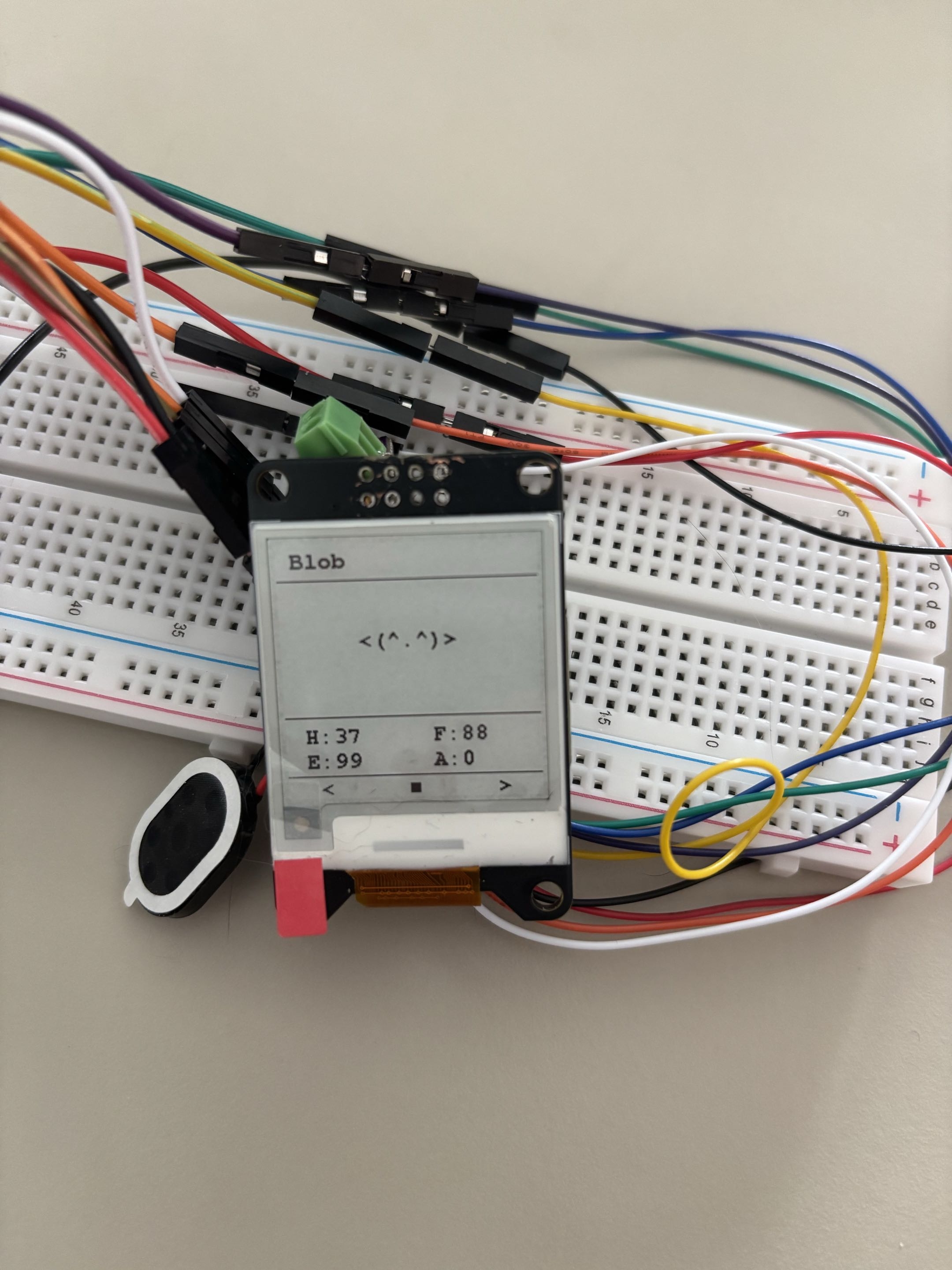
  • I updated the GUI to look a bit cleaner and polished. Obviously, it is not final yet.
  • I also had to rename happiness to fun so there are not two H values displayed; it was quite confusing.
  • I am considering changing it later to something like HUN, ENG, FUN, AGE or just using icons.
New GUI

monbit

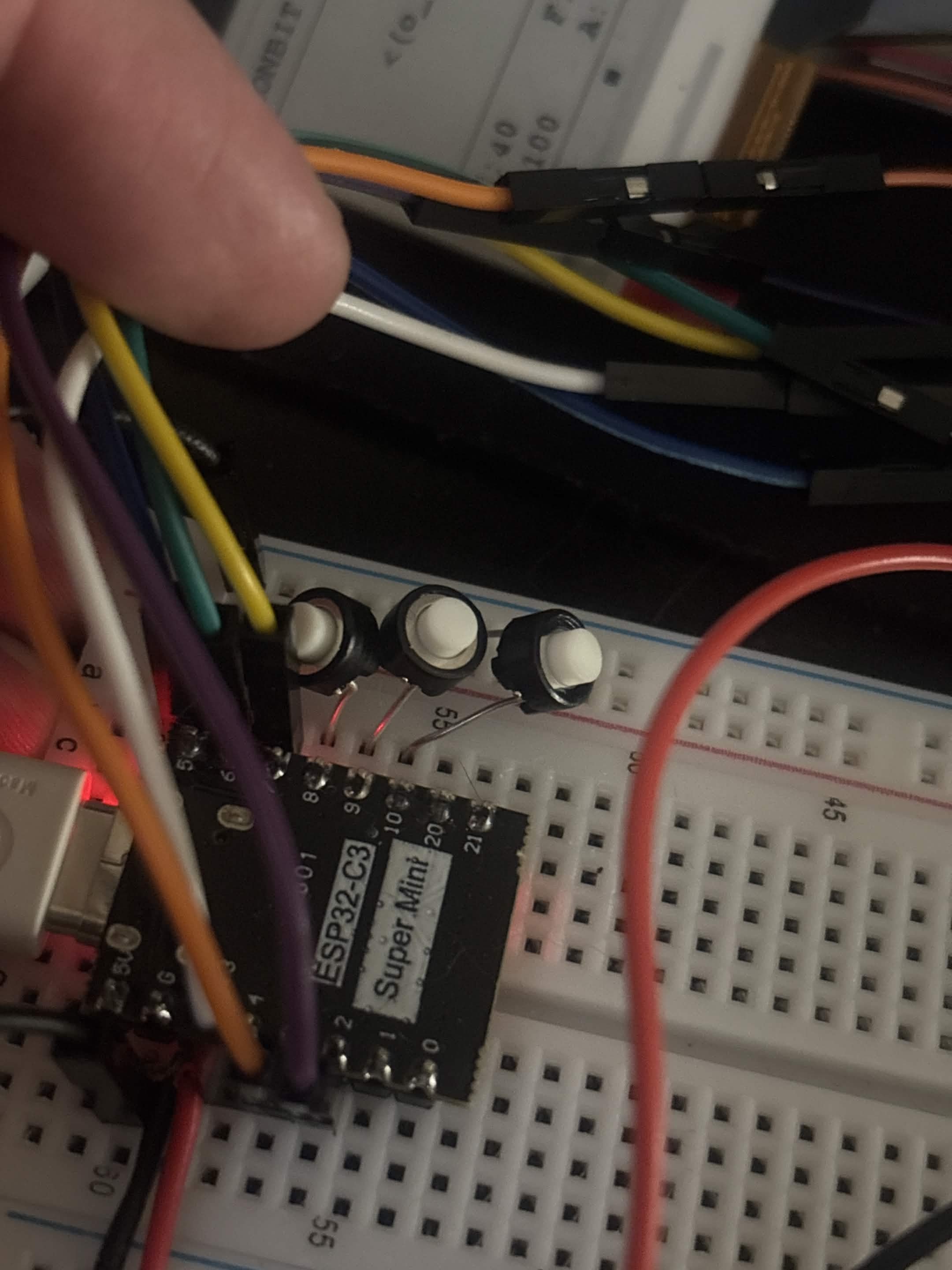
Three buttons connected

  • Connected two more buttons and added them on pins 8, 9 and 10.
  • The old Feed button was removed, and currently the code only prints which button was pressed: LEFT, MIDDLE or RIGHT.
  • The breadboard is a mess, I know, but it will eventually be better.
  • Left button feeds the monster: hunger decreases by 10.
  • Middle button plays with the monster: fun increases by 10, hunger increases by 10, and energy decreases by 5.
  • Right button makes the monster sleep: fun decreases by 5, hunger increases by 5, and energy increases by 10.
3 Buttons

monbit

Front lid Prototype 2

  • Fits well, but it sits on top of the PCB and needs to be made slightly over the edge.

monbit

Front lid Prototype 3

  • Fits well, but I still need to adjust the back part to have a good grid for the PCB and edges.

monbit

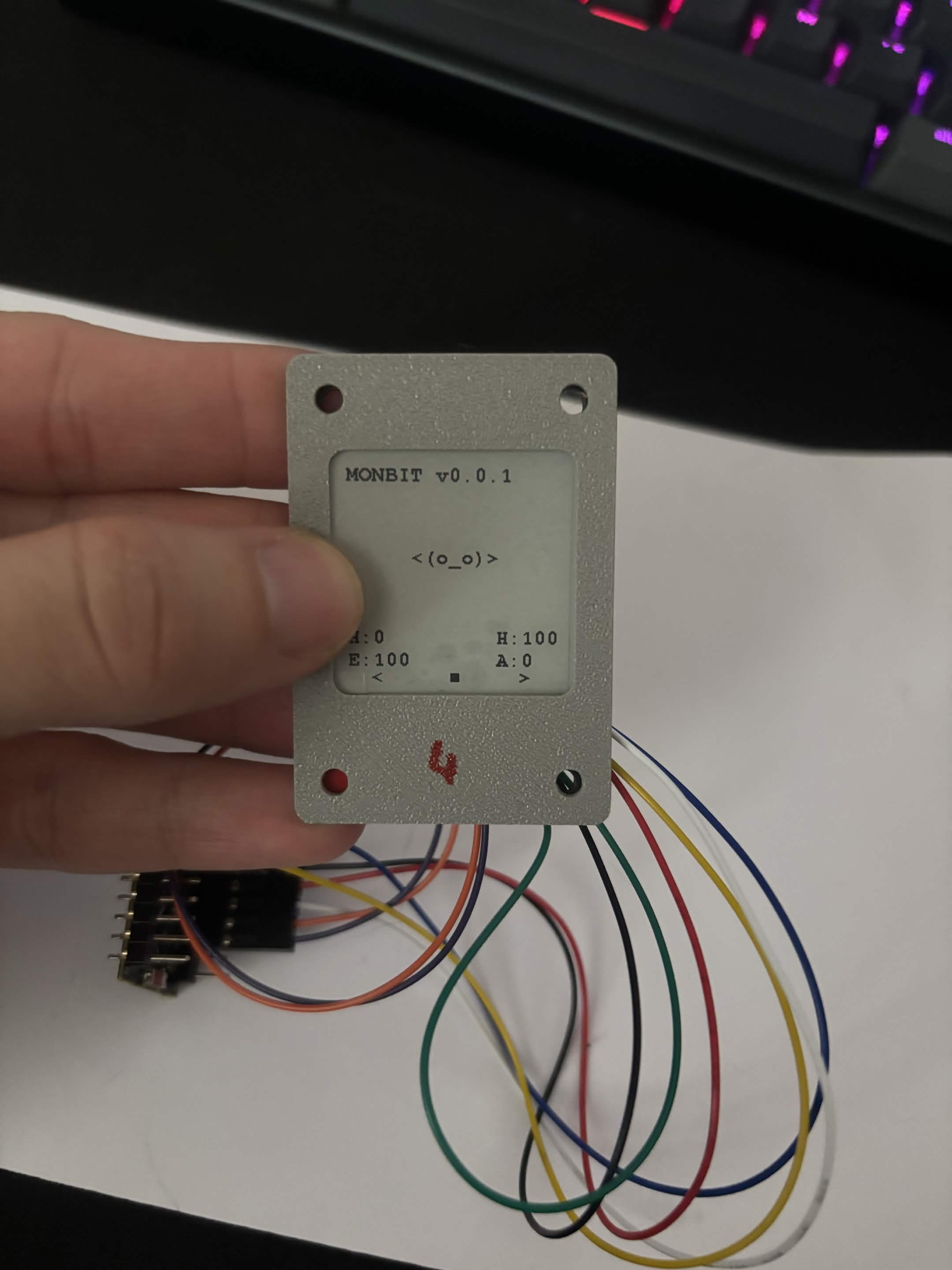
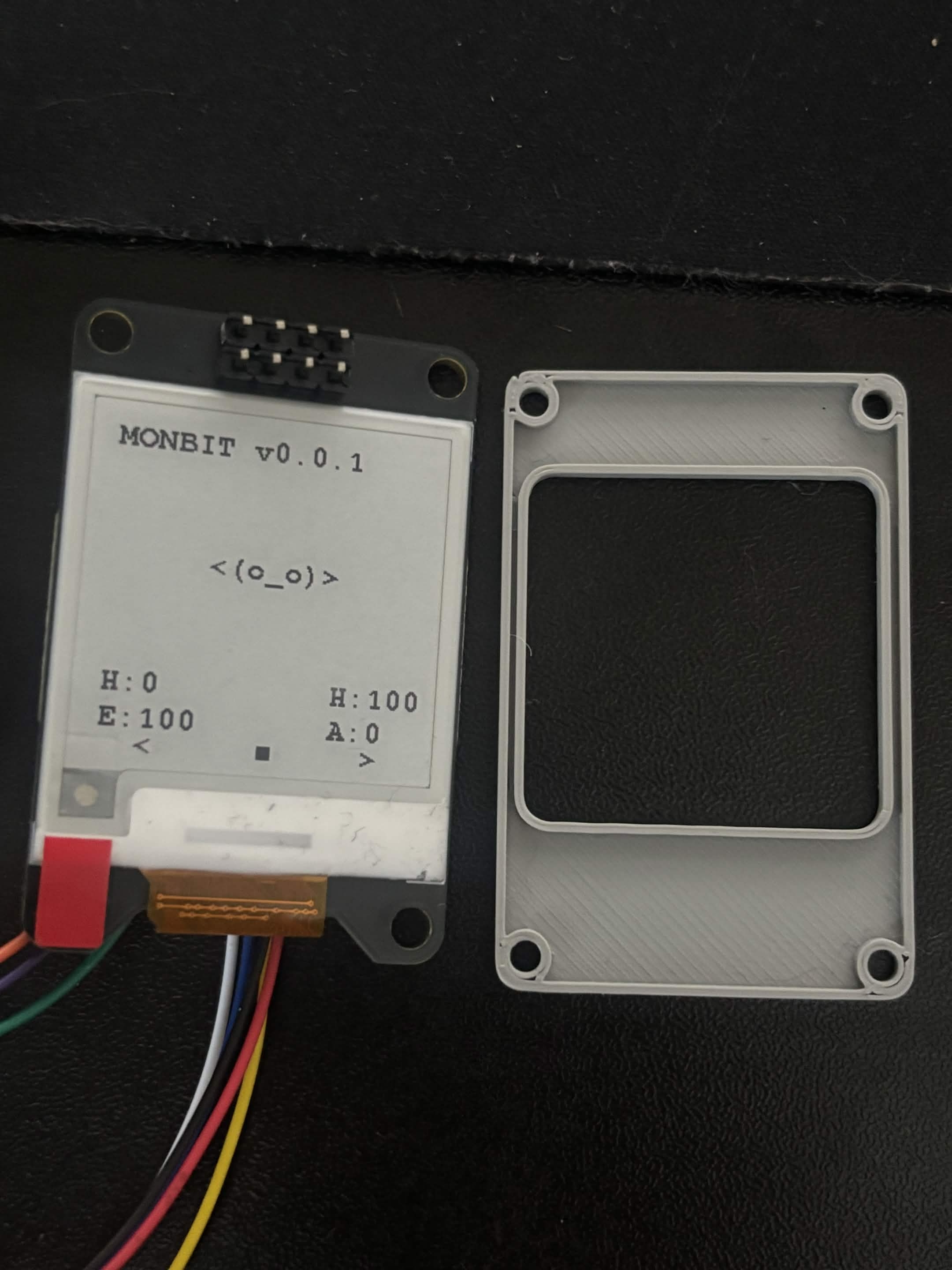
Front lid Prototype 4

  • Almost perfect, maybe I will adjust the size a bit more.
  • In the future, I might make it deeper.
Fourth front panel - front Fourth front panel - back

monbit

v0.0.1

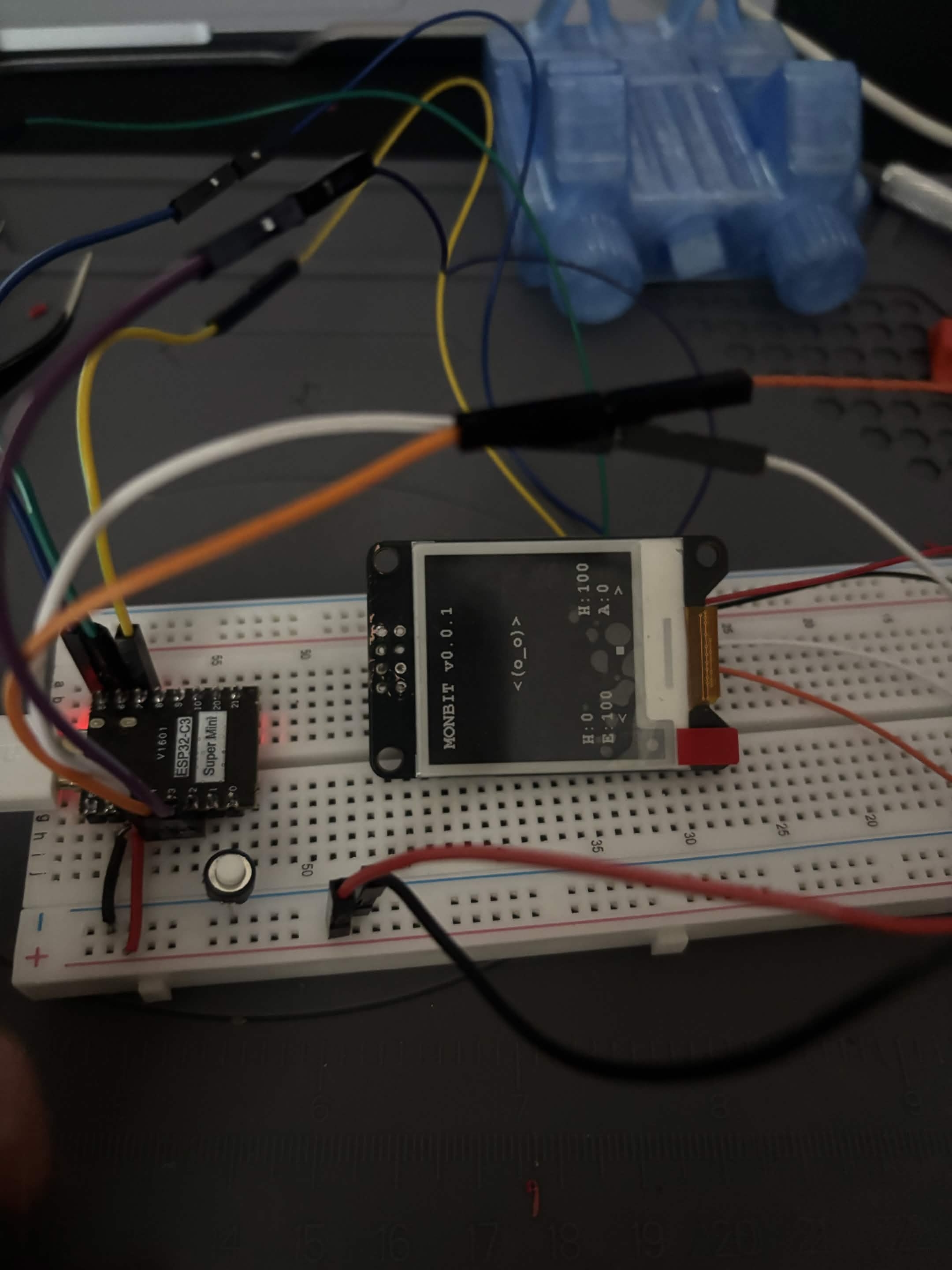
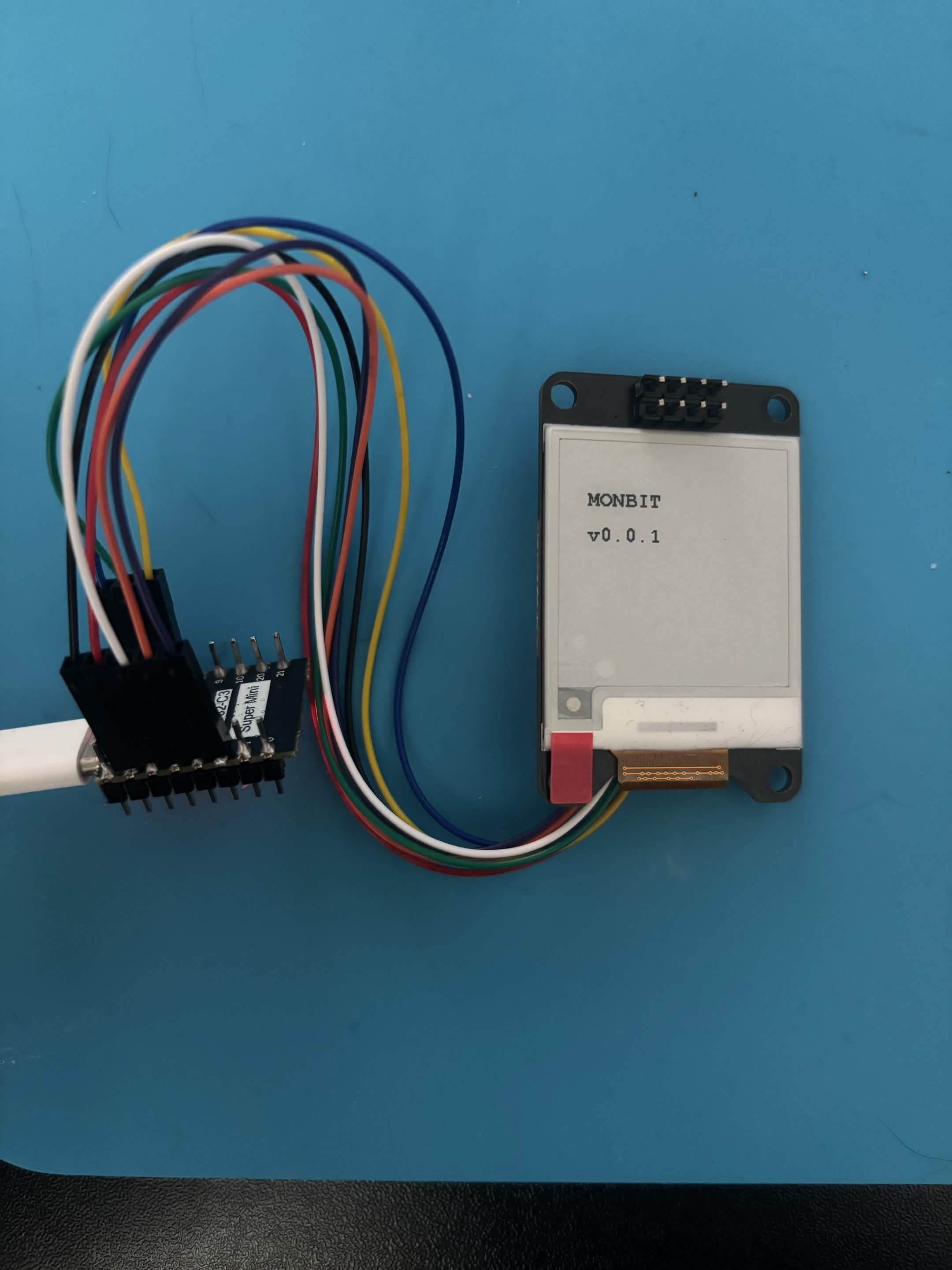
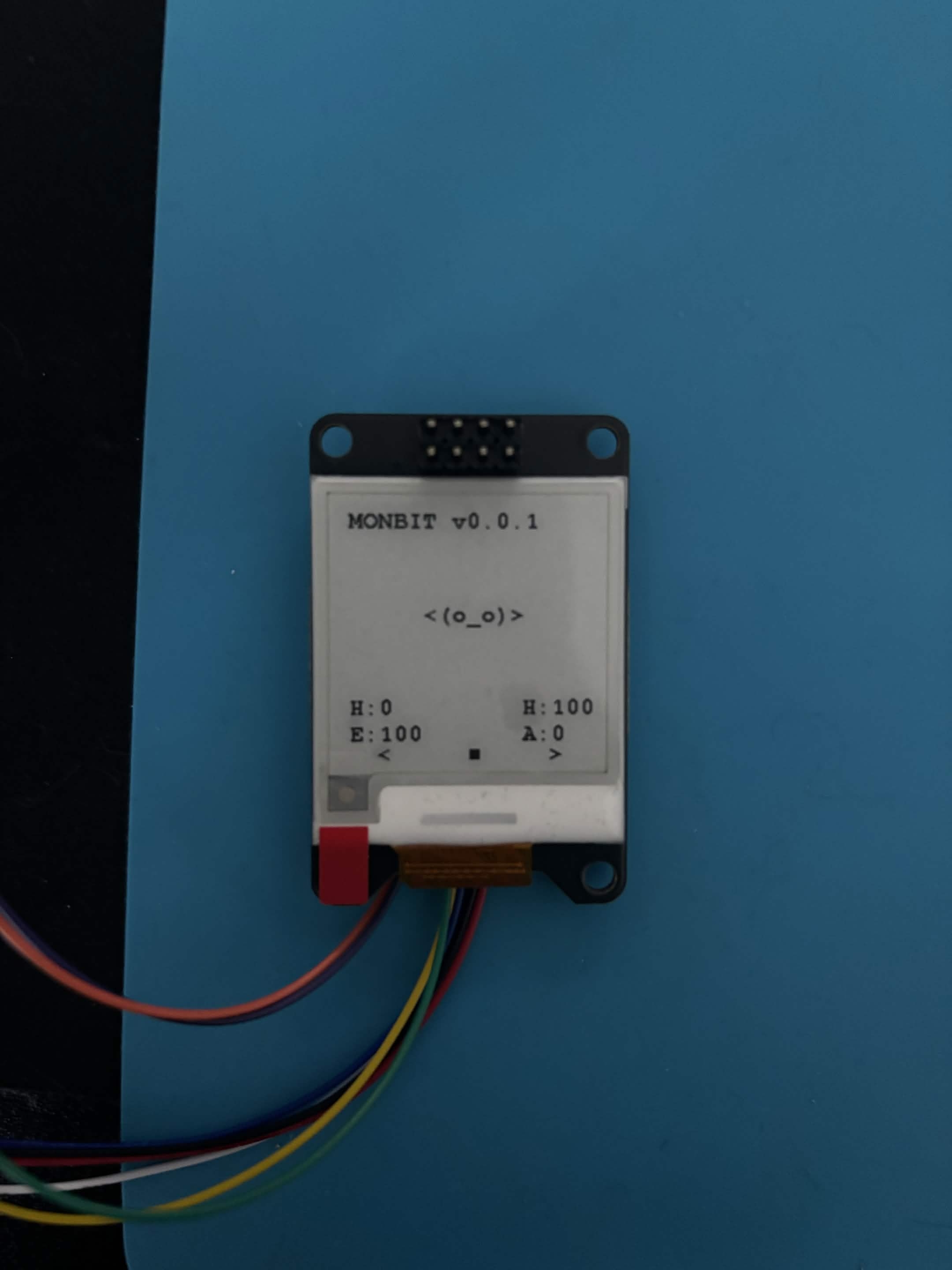
  • ESP32 configured
  • E-Ink display working
  • First UI rendered
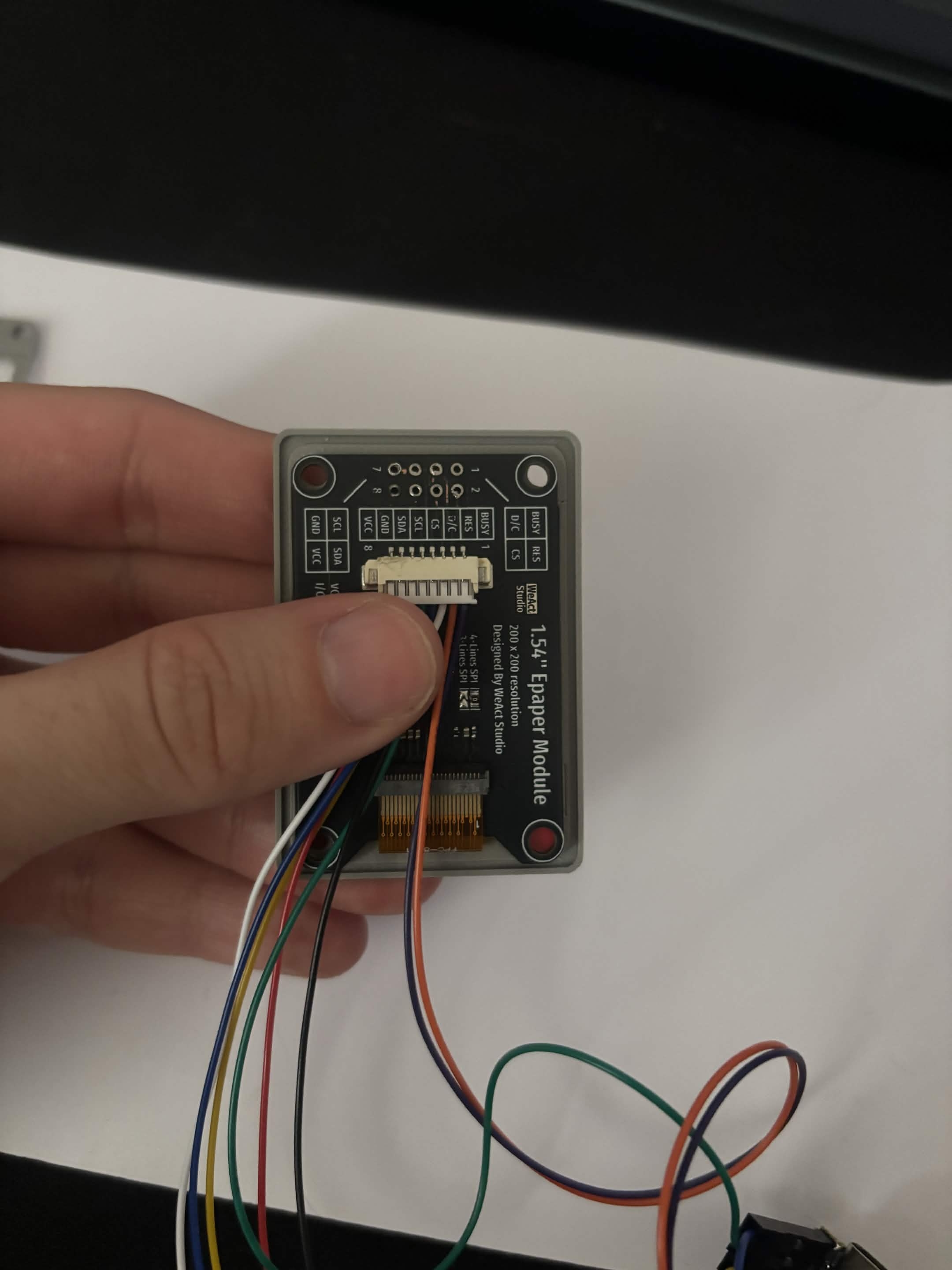
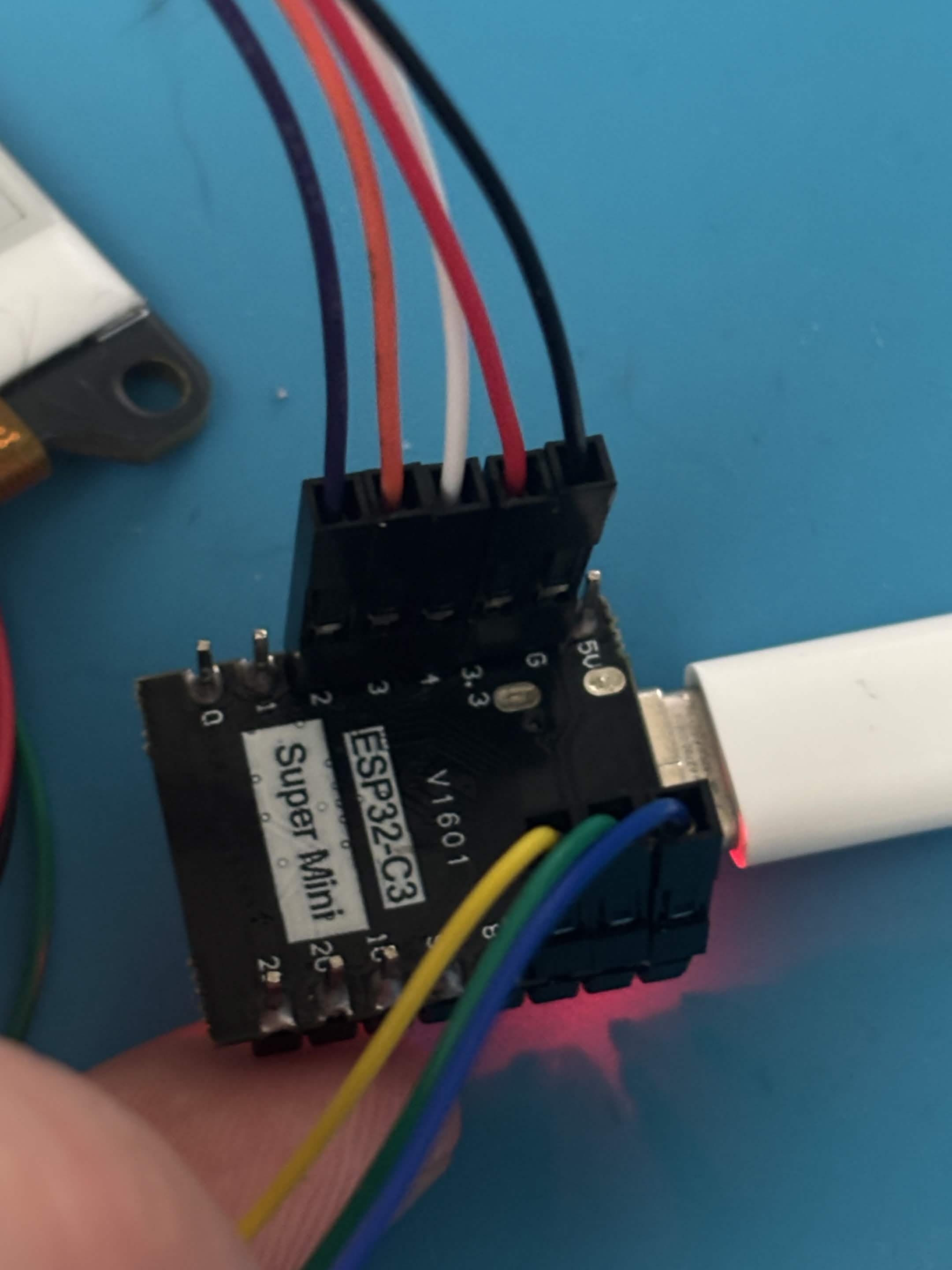
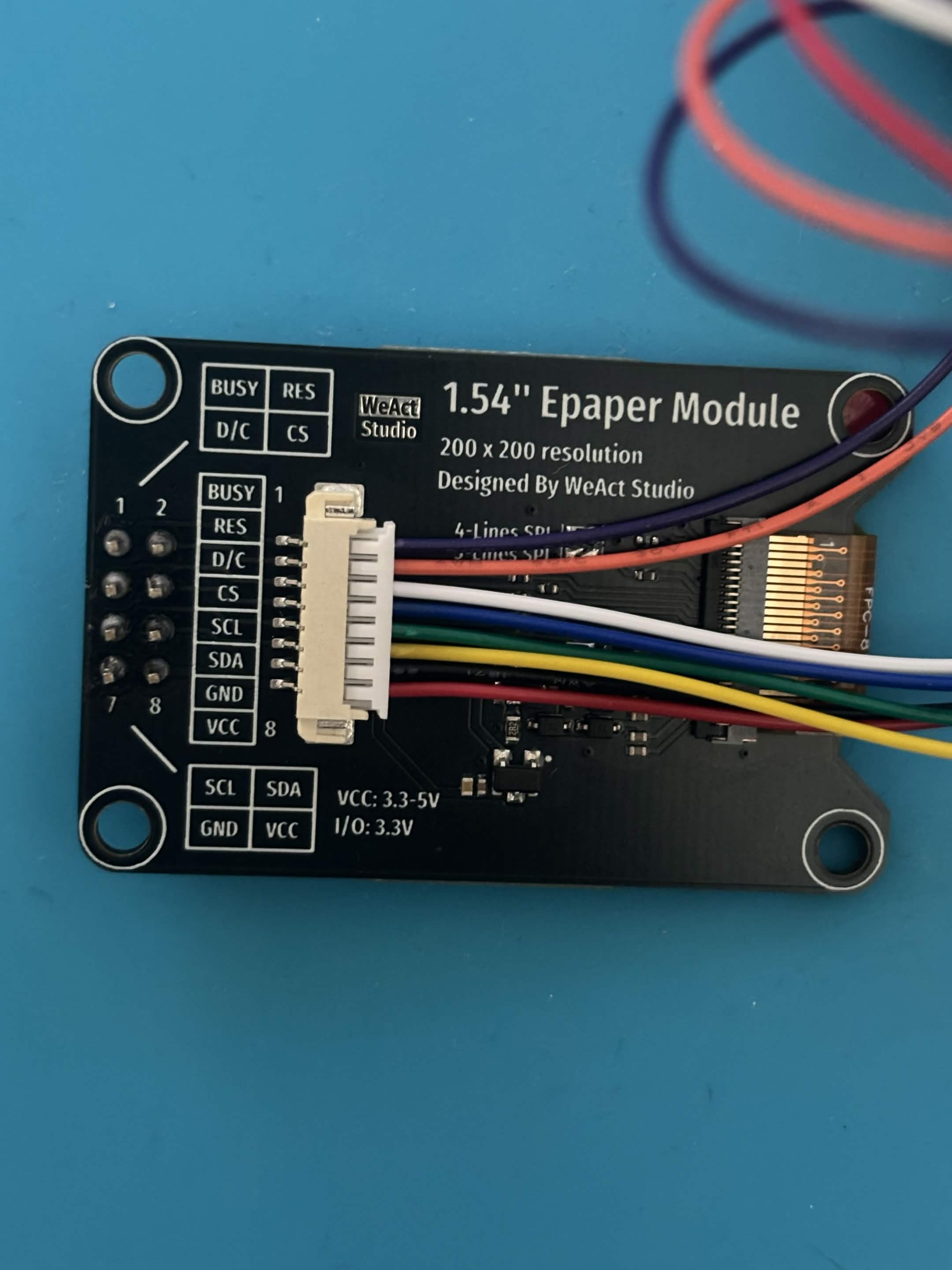
  • Yes, I know, I soldered the pins in the wrong direction. I fixed it later.
ESP32 to display wiring Display plugged in First screen text First UI rendered

monbit

Front lid Prototype 1

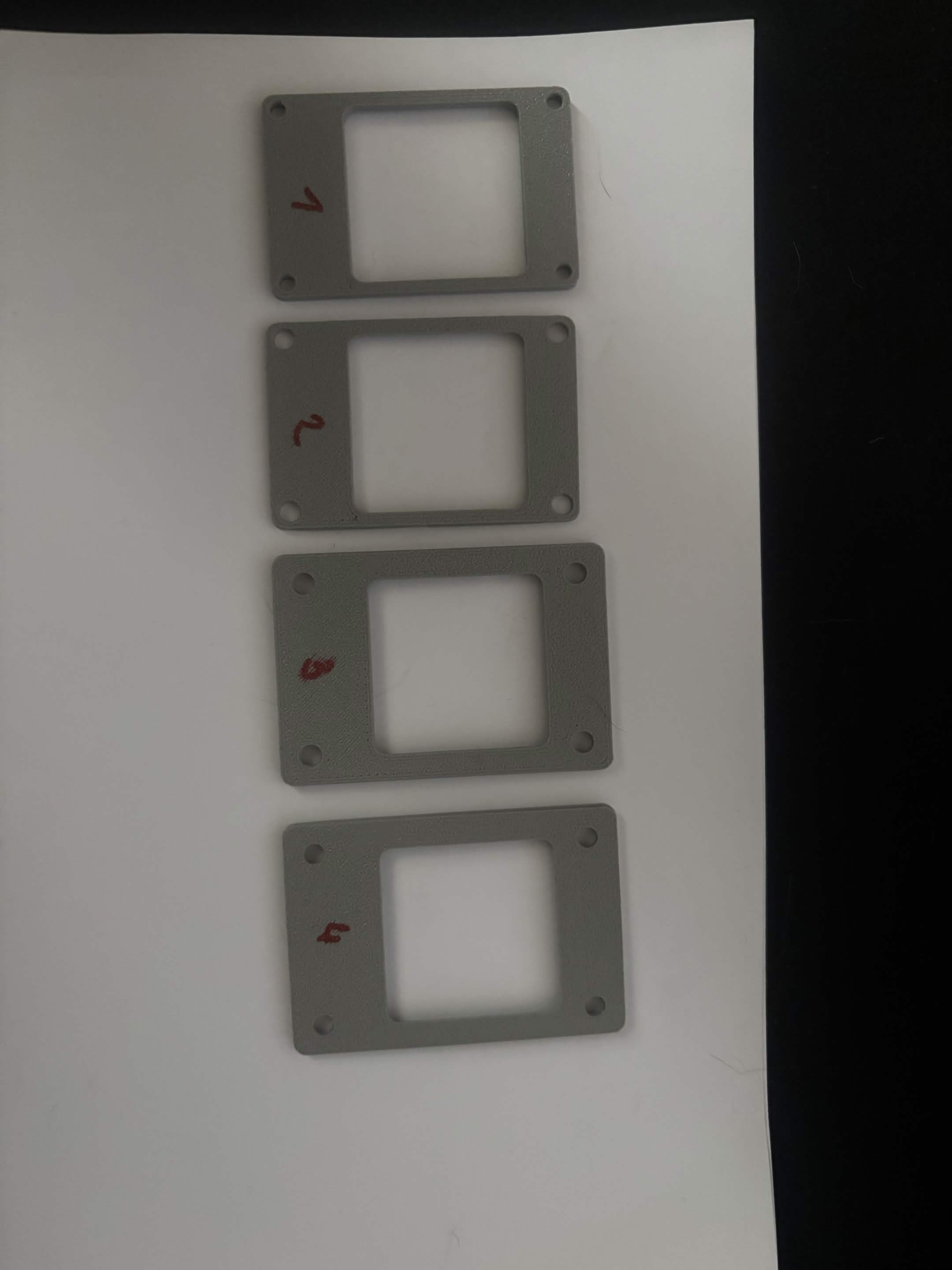
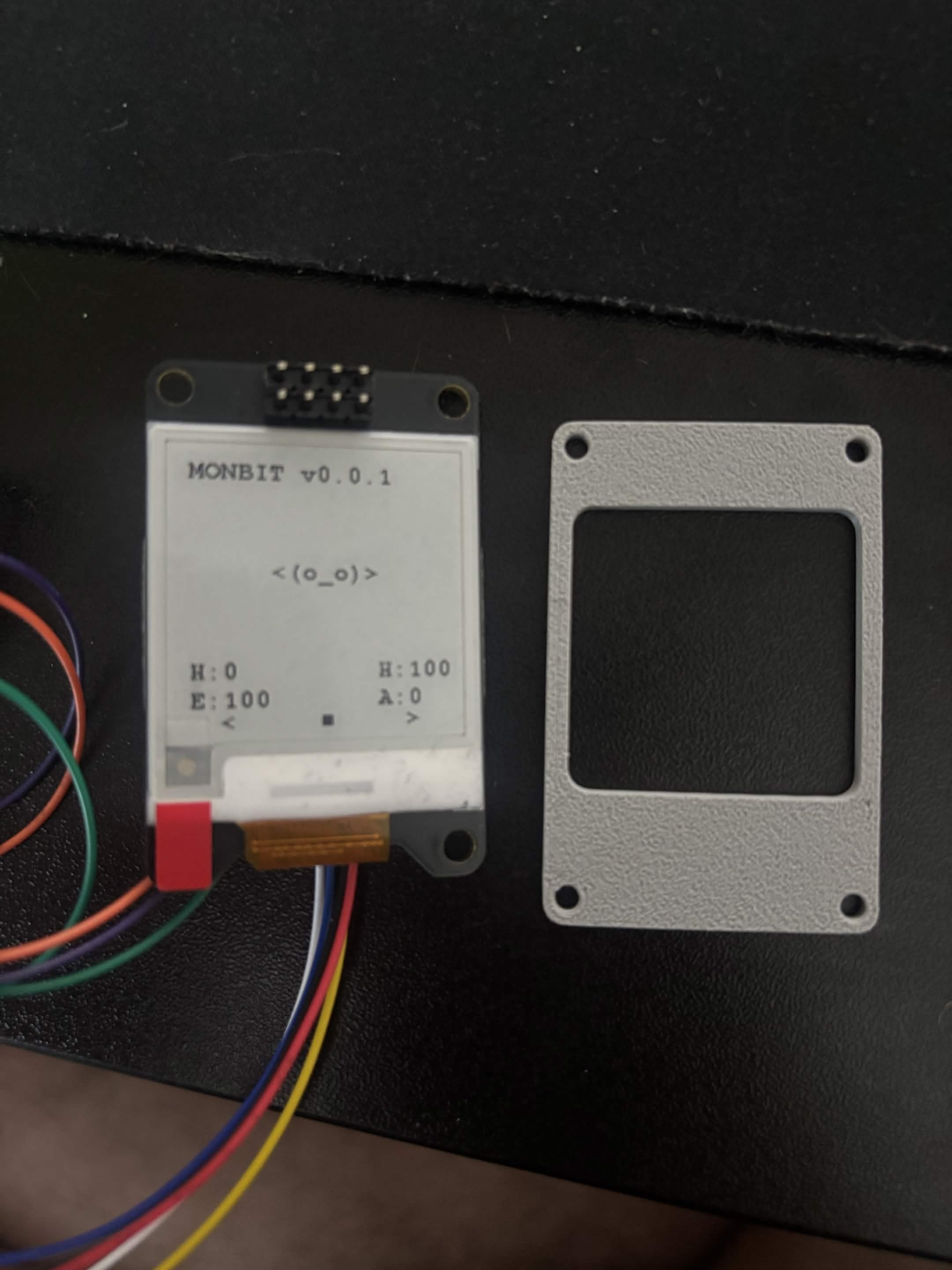
  • First enclosure top cover printed
  • Learned enclosure is too small for PCB
  • Screw holes tested, quite small
Many tries of the front panel First front panel - front First front panel - back

monbit

UI and Menu System

  • Added a basic menu when the middle button is pressed.
  • The user can navigate using the left button, right button and middle button to confirm.
What's on menu for today v0

monbit

Species

  • I am trying to add species, starting with Slime and Blob.