Jimverse

Monbit

A tiny e-ink Tamagotchi-like device built around an ESP32.

Status: active

Monbit is a personal project created to learn embedded development, hardware prototyping, and product design. The goal is to explore the full product development process. From firmware and electronics to CAD design and the final prototype.

Repository: https://github.com/Jim-23/monbit

Devlogs

monbit

Monbit Weekend progress

  • It's quite interesting that I managed to fully work on Monbit after exactly 1 month (still shame on me -_-)
  • I've managed to fully switch to the new board ESP32-S3
  • The biggest struggle was to actualy upload it (I could not connect to it, I had to hold the boot button, then connect the USB and then upload FW) and of course cable management
  • I've connected all the peripherals and it works (so far).
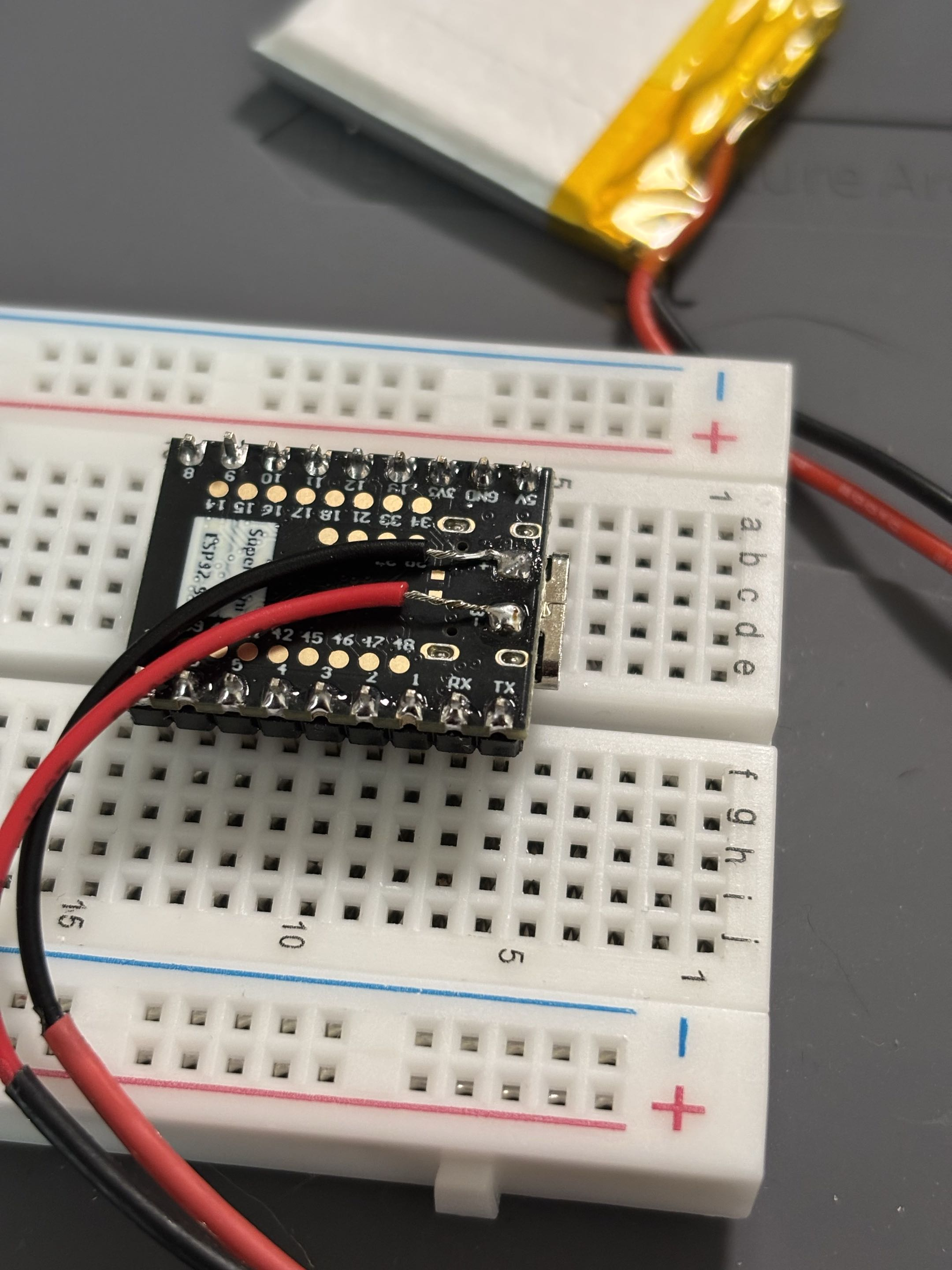
  • Lastly, I have connected the battery but I would like to implement a small circuit that would allow me to read the battery level.
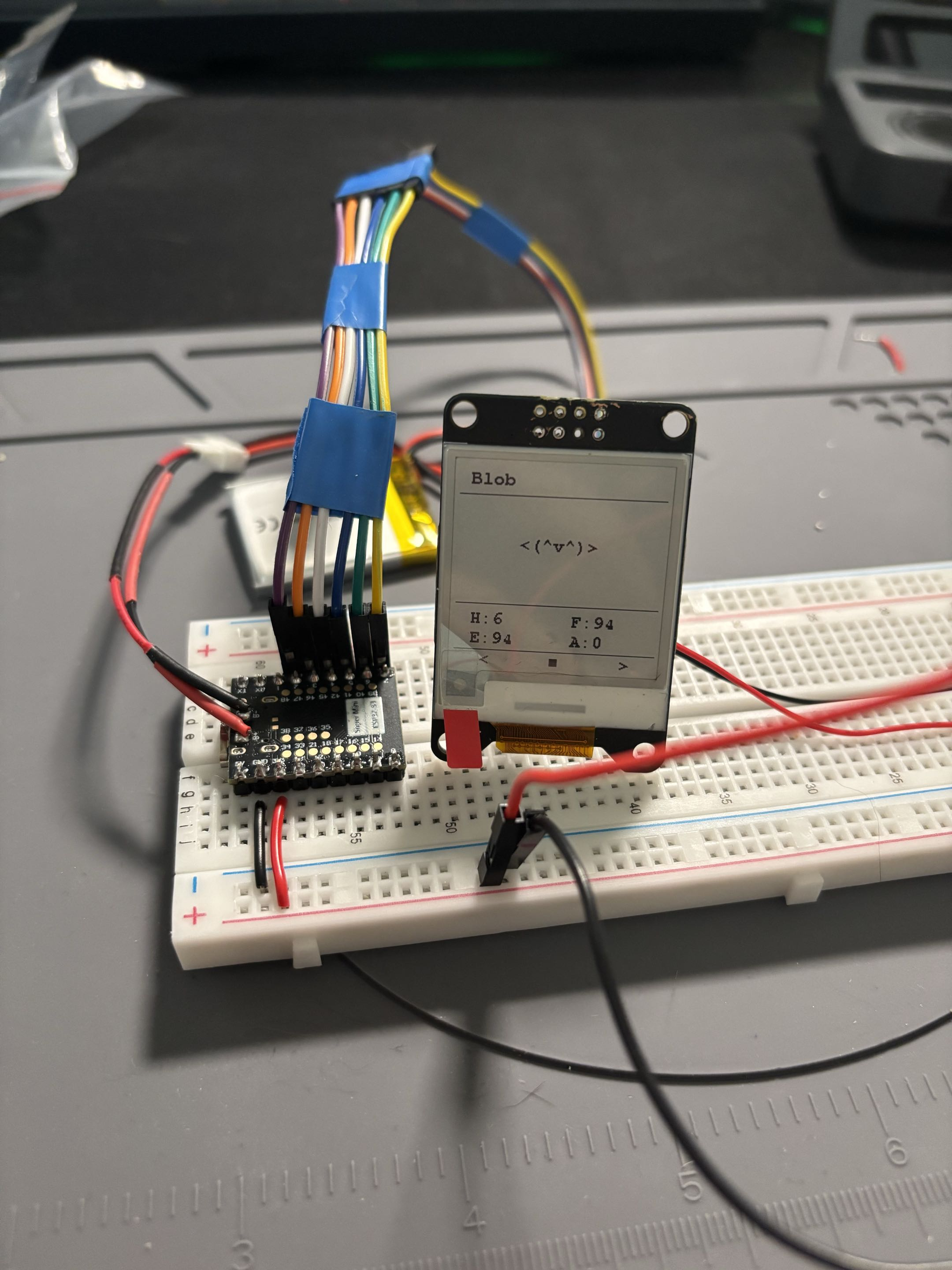
ESP32-S3 is alive! Battery connection

monbit

New ESP board struggle

  • It has been some time since I last worked on this project, but the new ESP finally arrived!
  • I tried switching to the new ESP32-S3 Super Mini board, but what a pain that was!
  • After about 3 hours of debugging, arguing with ChatGPT, and almost losing my mind, I ended up creating a custom configuration for this board since none of the available ESP32-S3 configs in PlatformIO were working.
  • The best part is that it works! Or at least I can see the === MONBIT === log.
  • The question is whether it's going to work with all the peripherals connected, but that's a TODO for now.

monbit

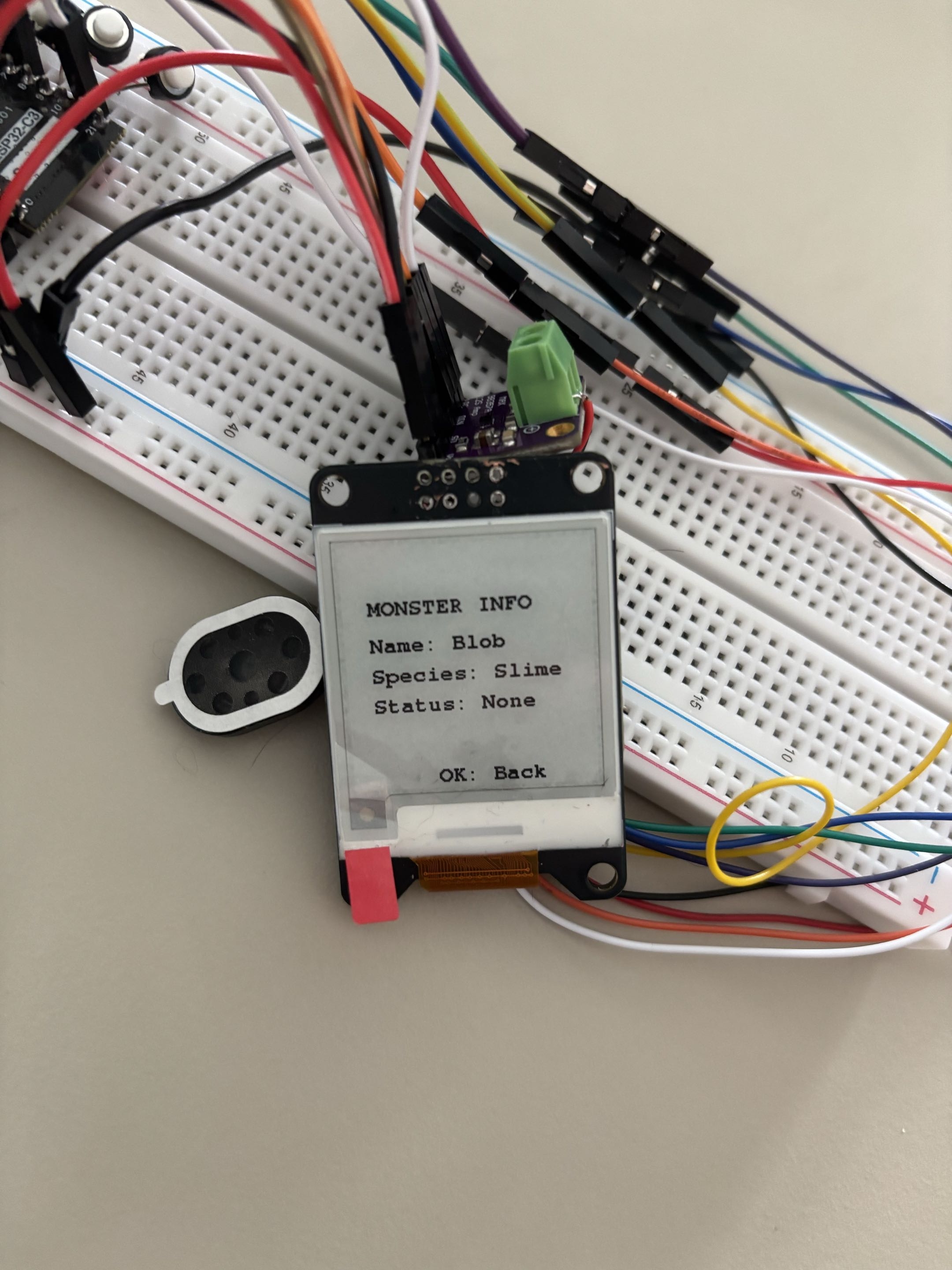
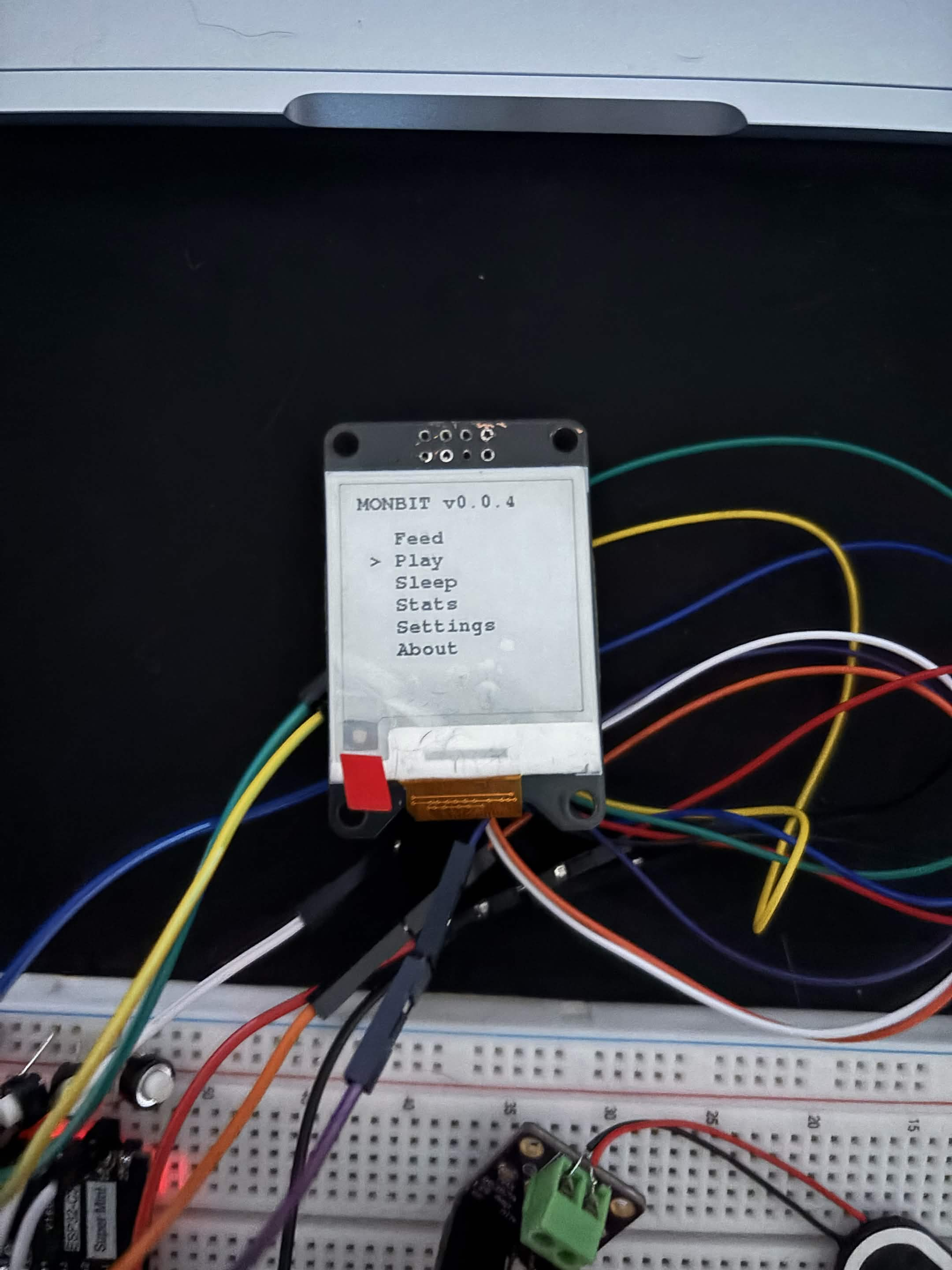
New menu entry

  • Added a new menu entry, Info, which displays more information about the monster itself: Name, Species and Status.
  • The status is currently None because the monster is alive and healthy. I don't want to show short-term status there, only long-term ones.
  • In the future I want to add an option to reset the monster.
  • I also increased the sleep and entertainment gain because it was too low.
What's on menu for today v1 Monster info

monbit

v0.0.6

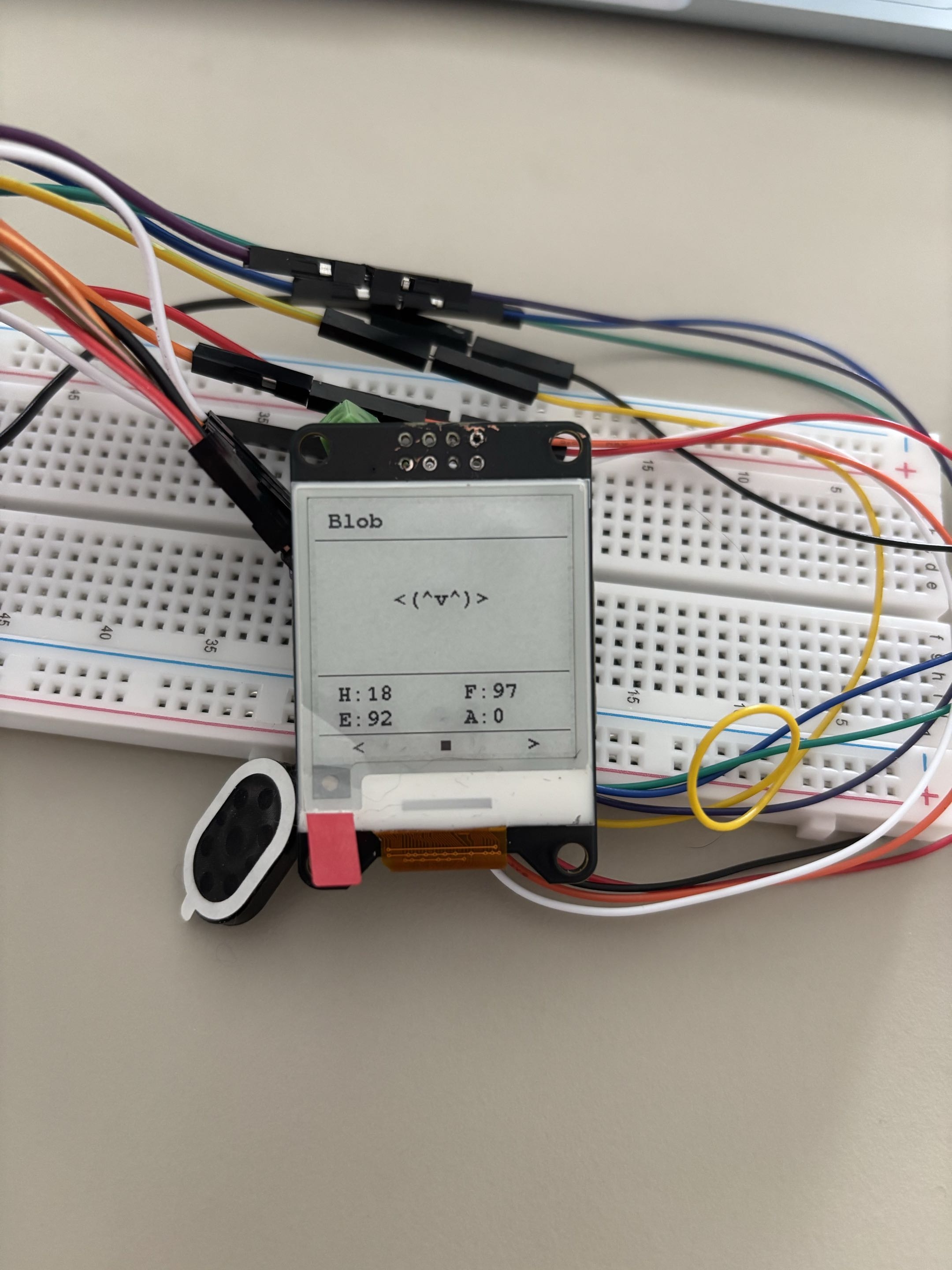
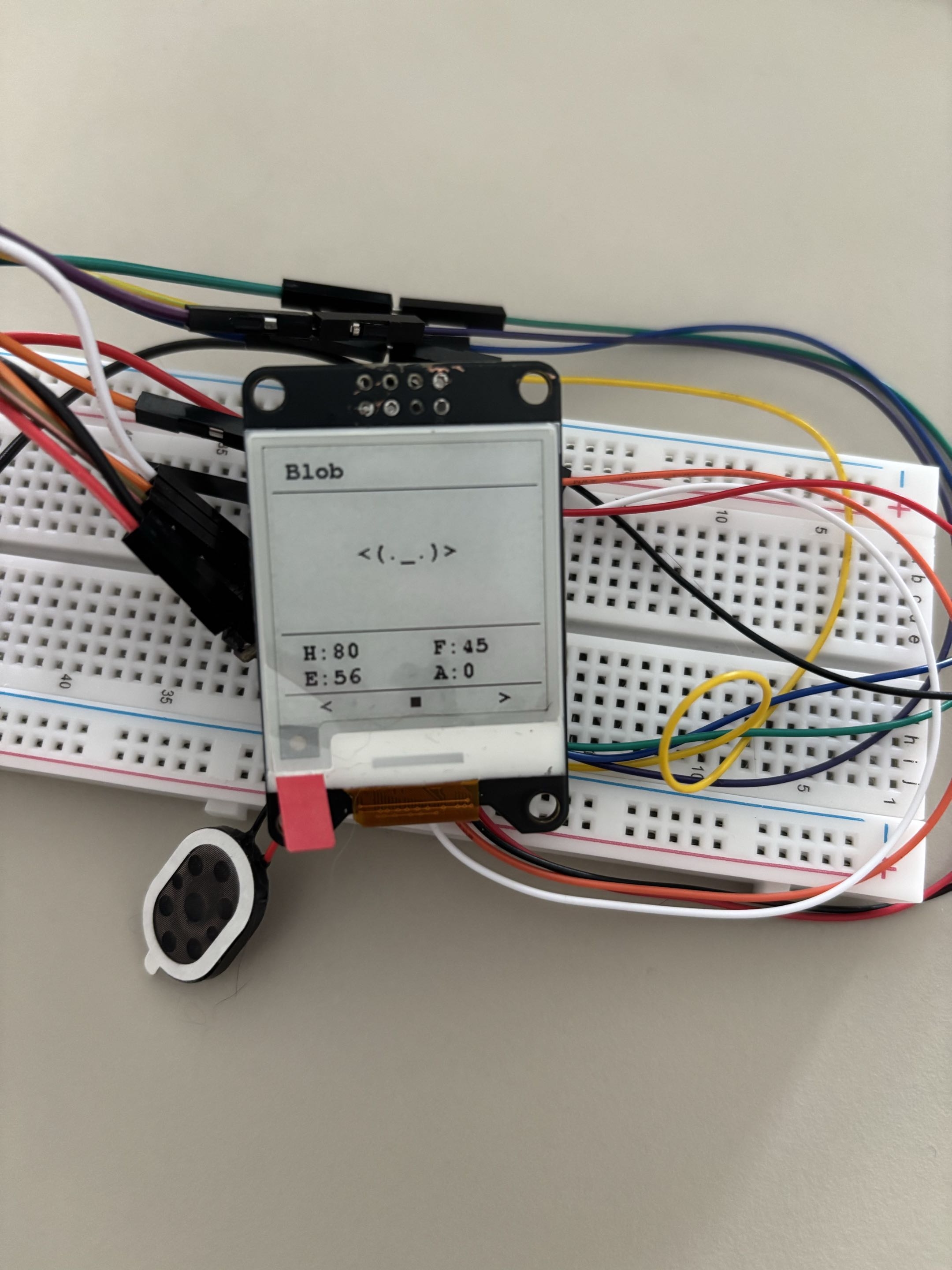
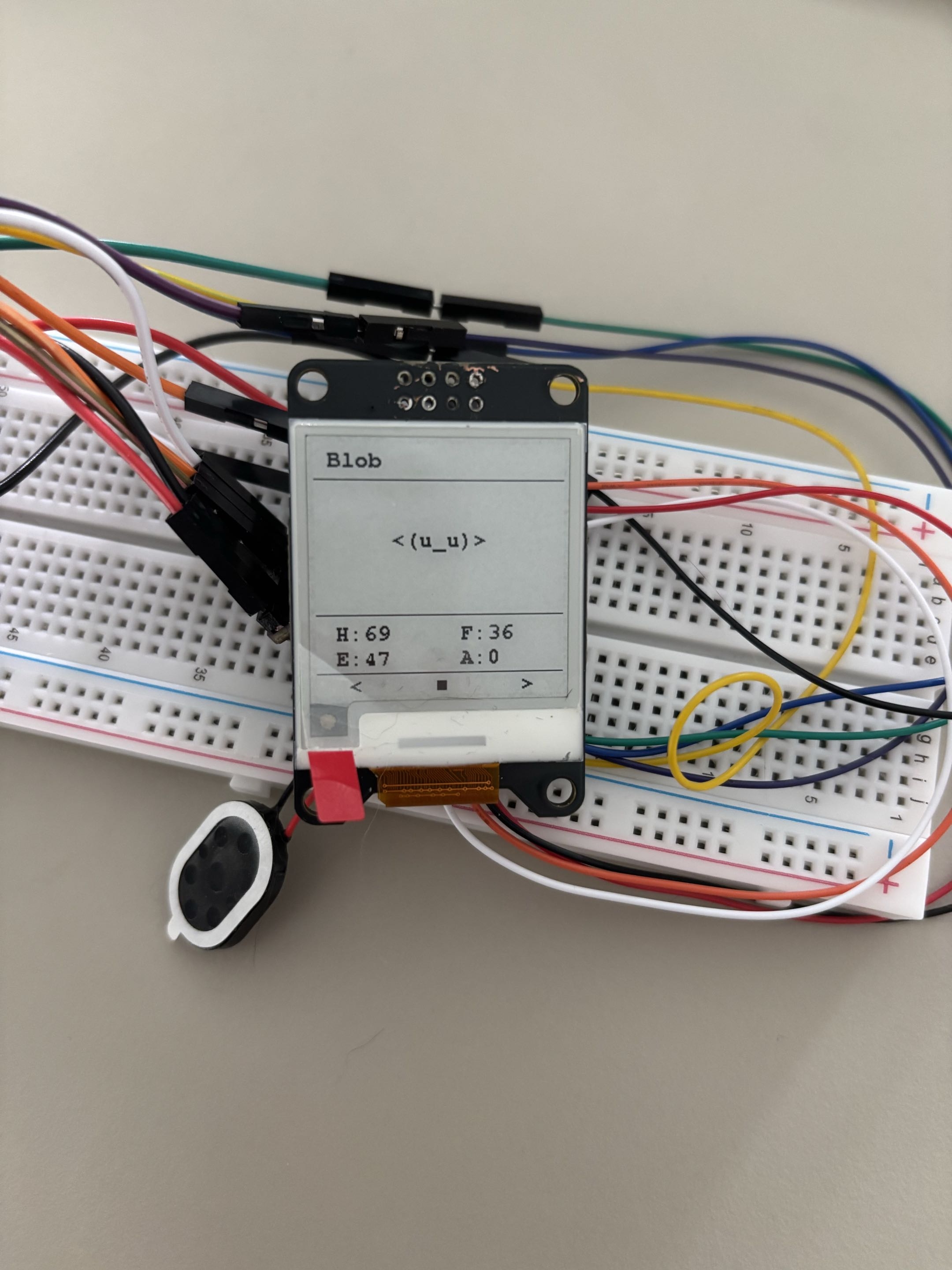
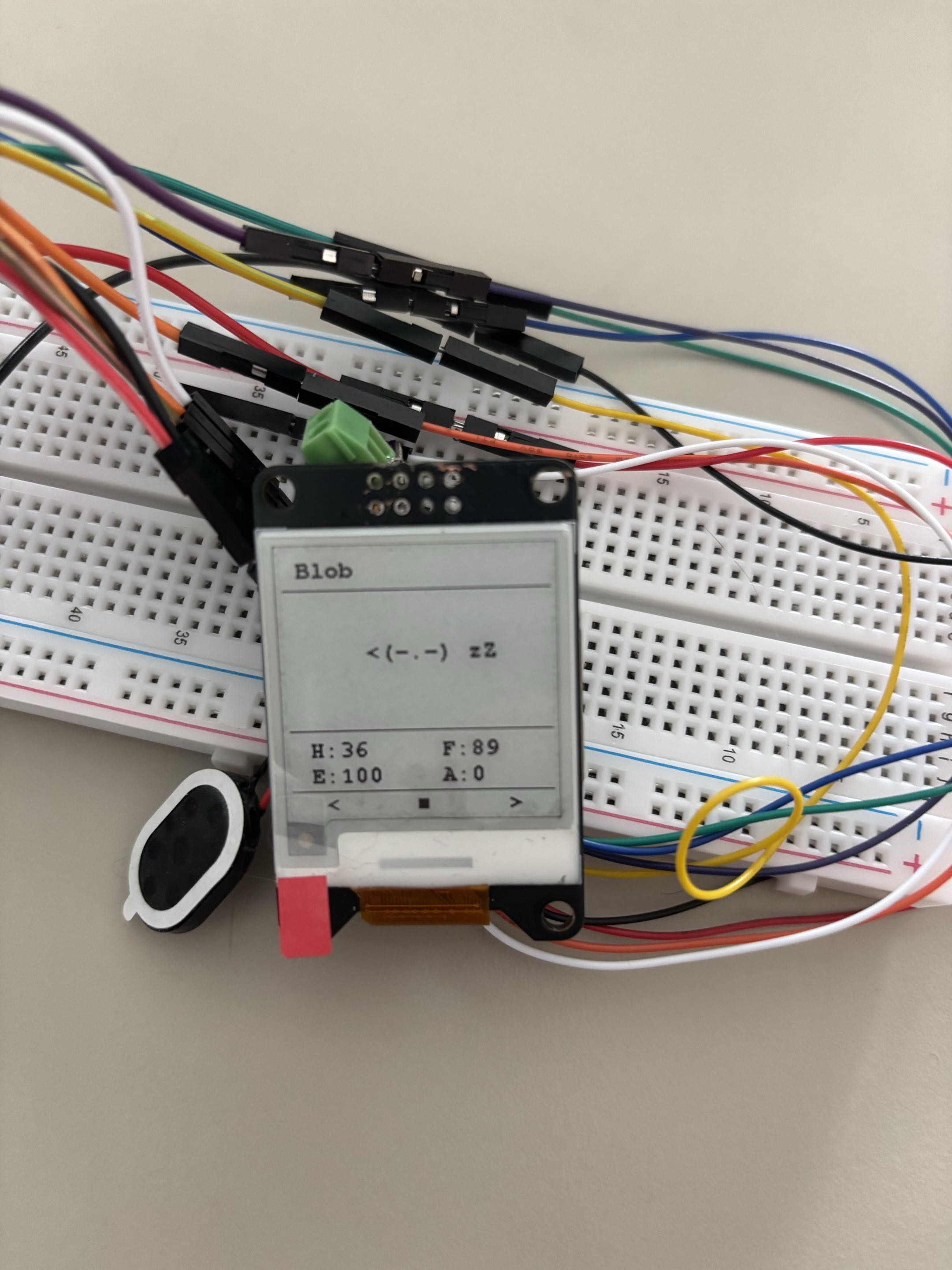
  • Added basic monster logic; the monster has different states and moods.
  • States: None, Playing, Eating, Sleeping, Dizzy, Sick, Injured, Dead.
  • Moods: Happy, Normal, Hungry, Tired, Bored, Sad, Critical.
  • It still needs testing. Not all states are implemented yet; for example, Dizzy logic will be added when the accelerometer is added.
Moods and everything - Normal Moods and everything - Happy Moods and everything - Sad Status and everything - Hungry Status and everything - Sleeping

monbit

Menu system update

  • Added a more polished menu system and made the code more readable and organized.
  • Settings are still mock, but I will implement them later. The user should be able to turn off the sound and change the monster name.
  • Next focus is monster logic.

monbit

v0.0.5

  • I decided to switch to a new ESP32 module, the ESP32-S3, mostly because of the extra GPIO pins I will need for the accelerometer.
  • Currently waiting for the module to arrive (approx. 2 weeks).

monbit

Audio update

  • Finally managed to implement clear sound with a specific configuration.
  • The problem was not the hardware but the audio config; wiring can stay as it is.
  • You can hear one beep sound when you power the device.
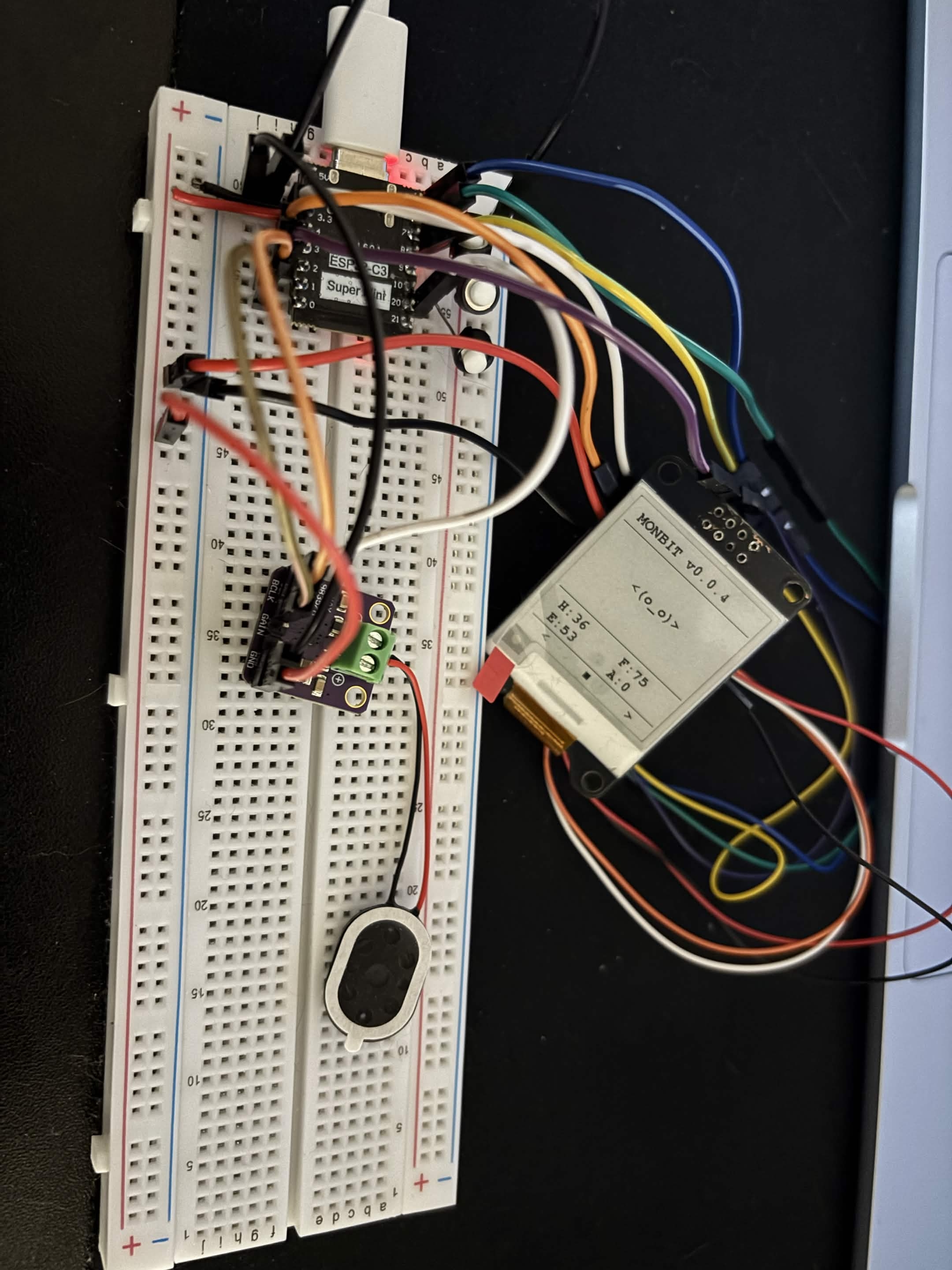
Speaker connection + spaghetti monster

monbit

v0.0.4 - Audio System

  • Soldered speaker to MAX98357A amplifier.
  • Wired amplifier to ESP32-C3.
  • Created audio module (audio.hpp and audio.cpp).
  • The speaker produces buzz instead of a clear tone and I have no idea why; maybe the I2S config is wrong.

monbit

v0.0.3

  • Added flash storage system
  • It was quite easy actually, so I am happy about that.
  • Saving is performed after a button is pressed.
  • I would also like to add an autosave every 5 minutes.

monbit

Button functions

  • The button now feeds the monster by 10 until hunger is back to 0.
Button State - hungry Button State - less hungry

monbit

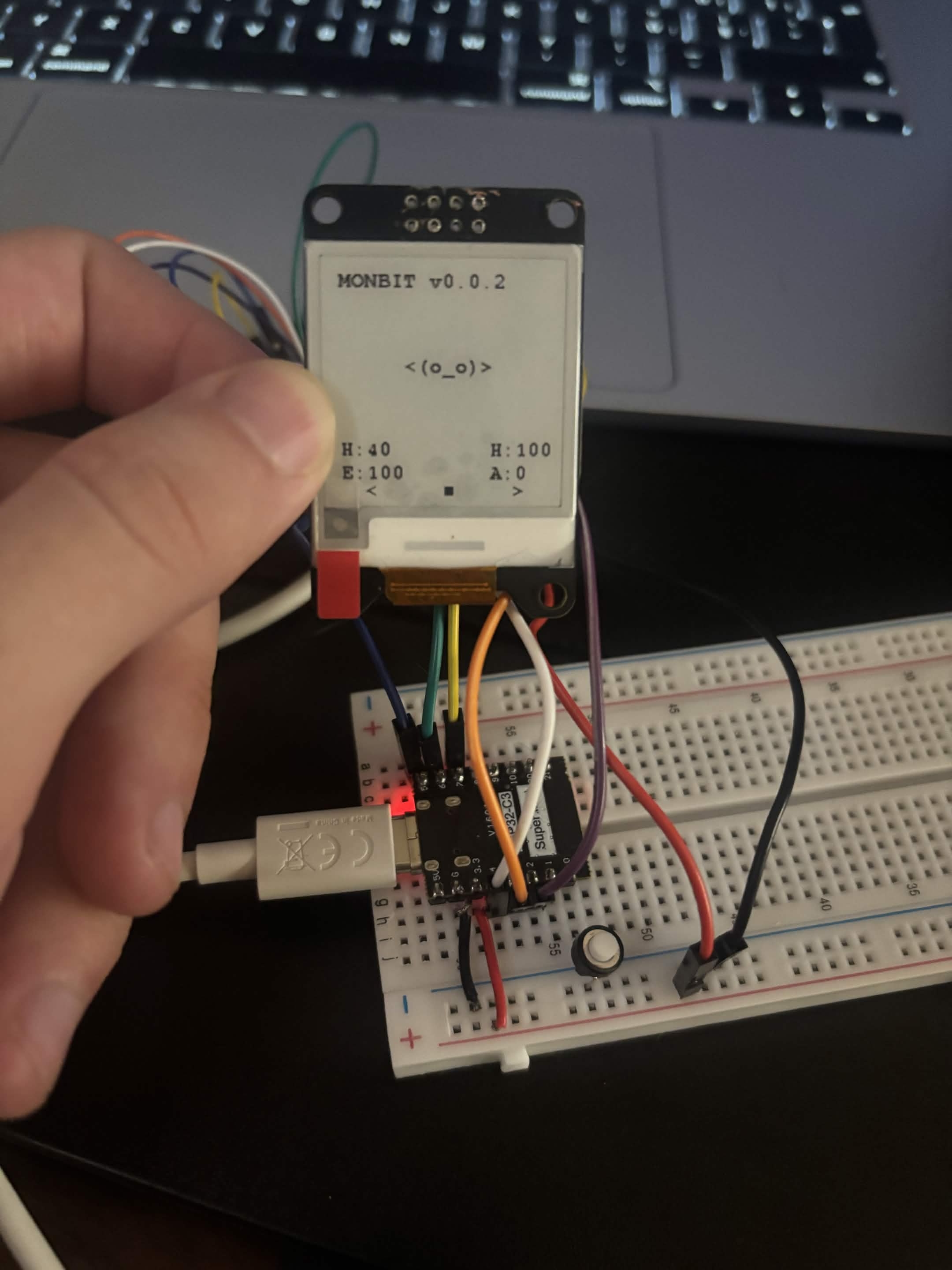
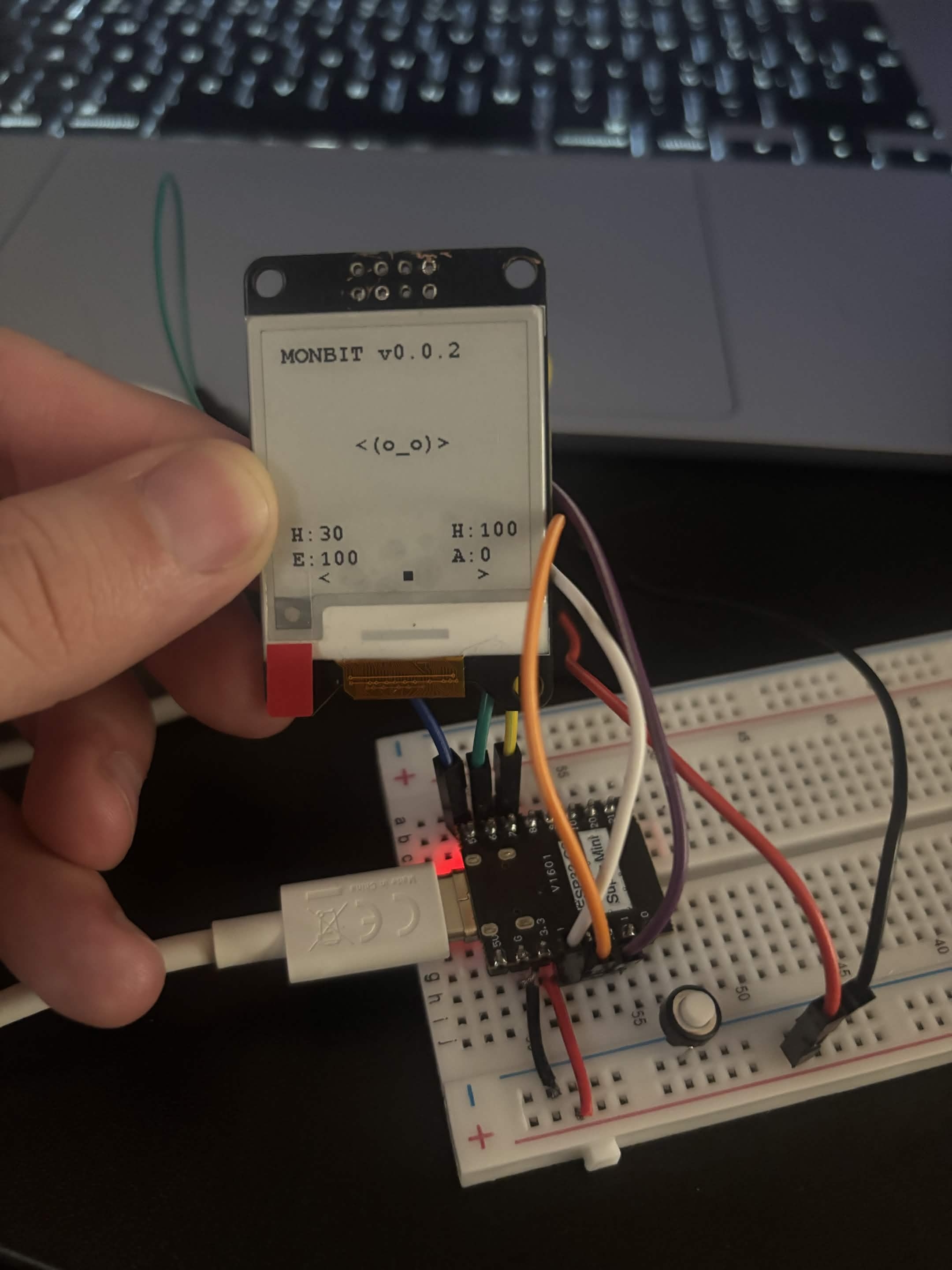
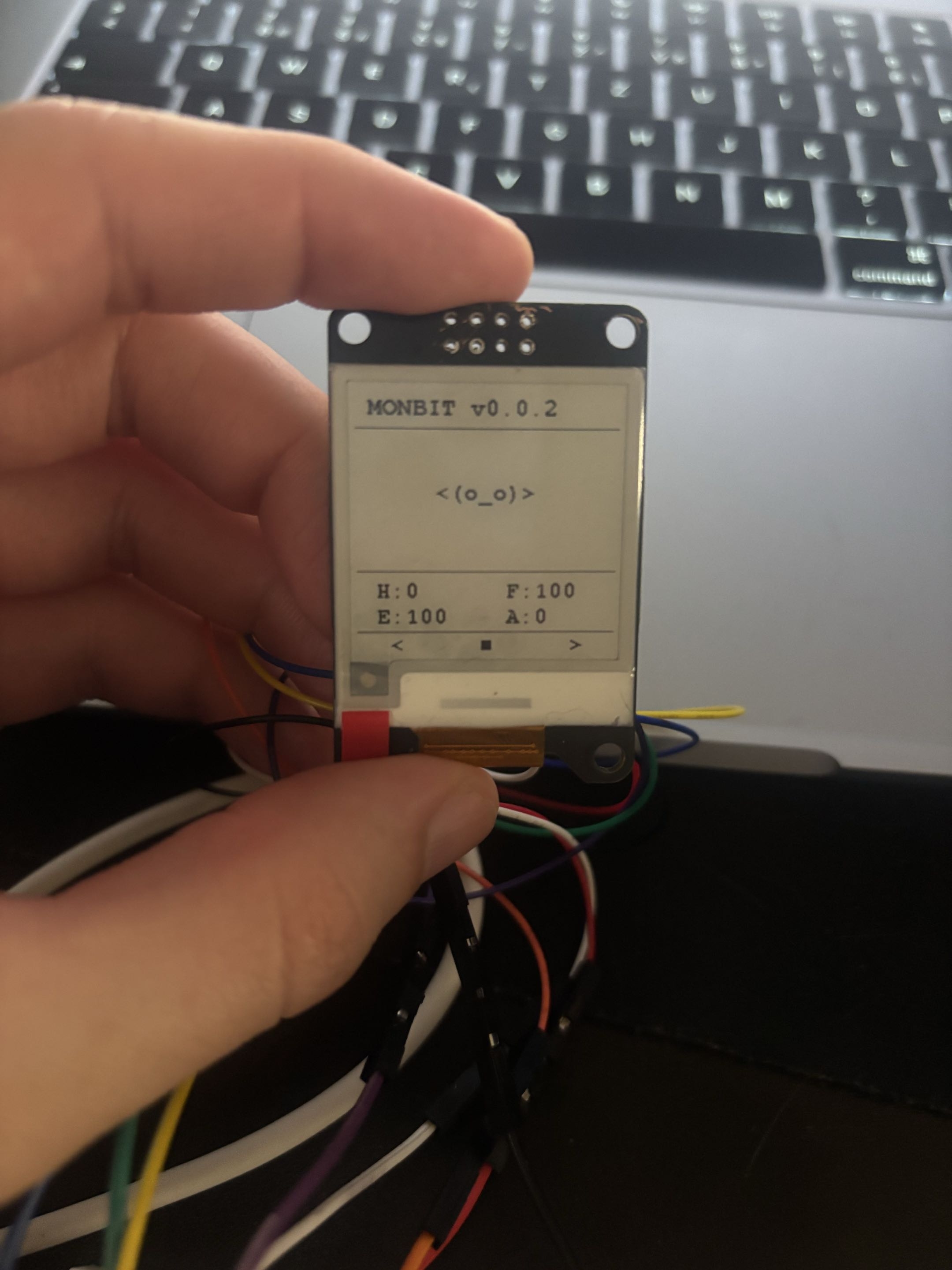
v0.0.2

  • First button connected to pin 0
  • GUI refreshment
  • Renamed happiness to fun so in GUI it is displayed as F instead of a second H

monbit

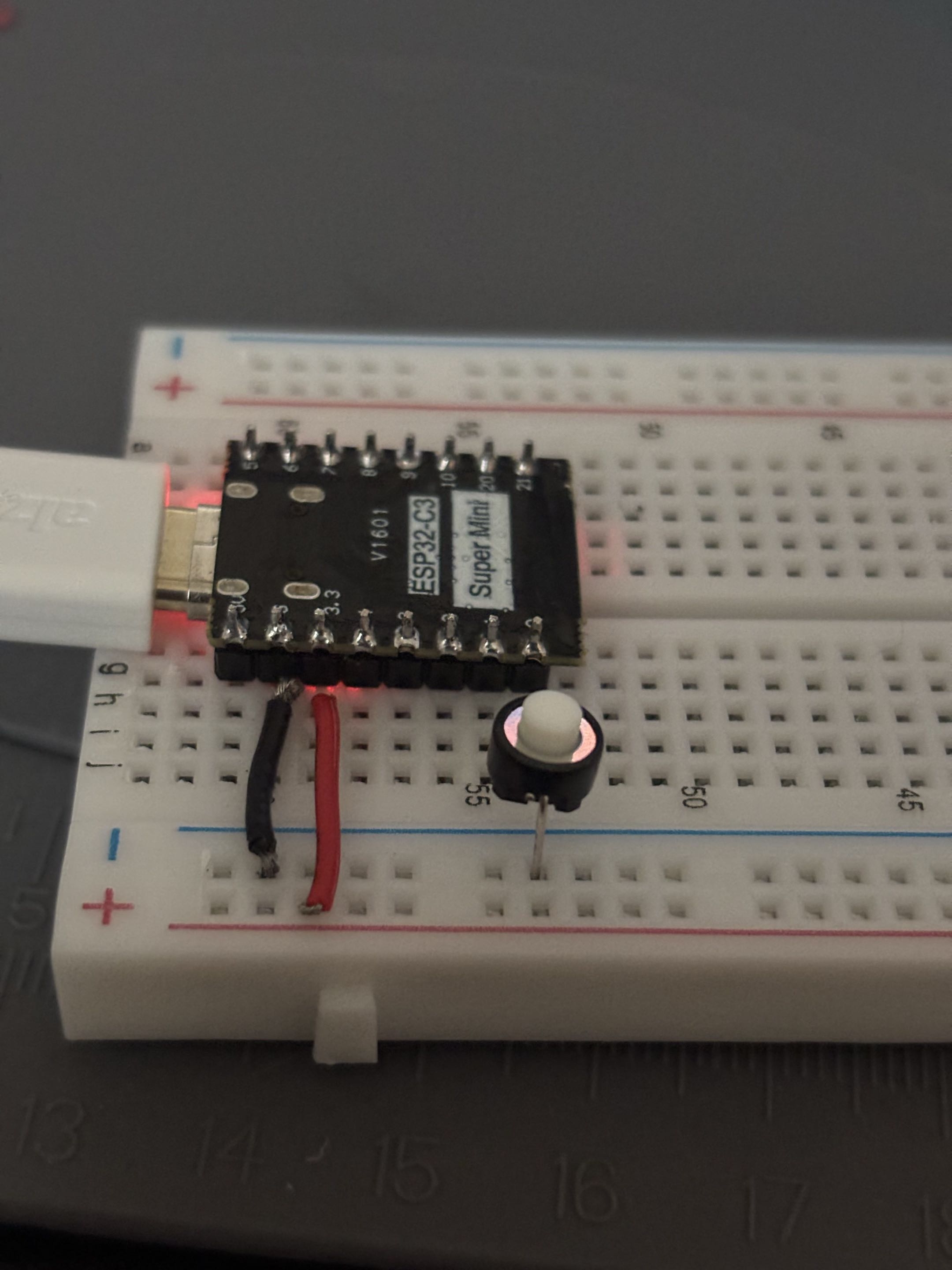
First button

  • First button input succeeded!
  • And don't forget: BUTTONS HAVE ORIENTATION!
  • Then I connected the display as well and added a function which refreshes the display.
  • When I click the button, the screen refreshes.
First button - works Display refresh

monbit

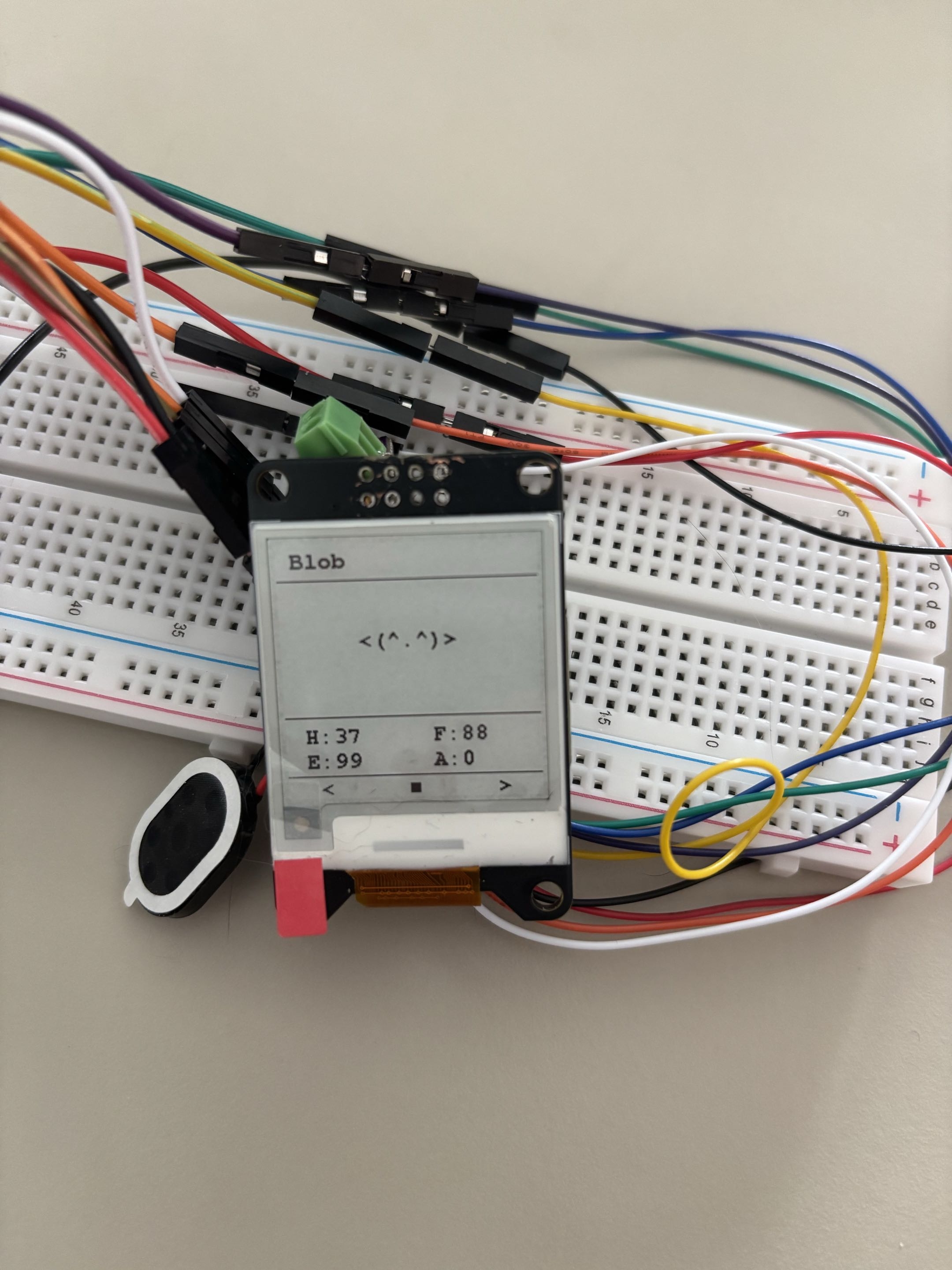
New GUI

  • I updated the GUI to look a bit cleaner and polished. Obviously, it is not final yet.
  • I also had to rename happiness to fun so there are not two H values displayed; it was quite confusing.
  • I am considering changing it later to something like HUN, ENG, FUN, AGE or just using icons.
New GUI

monbit

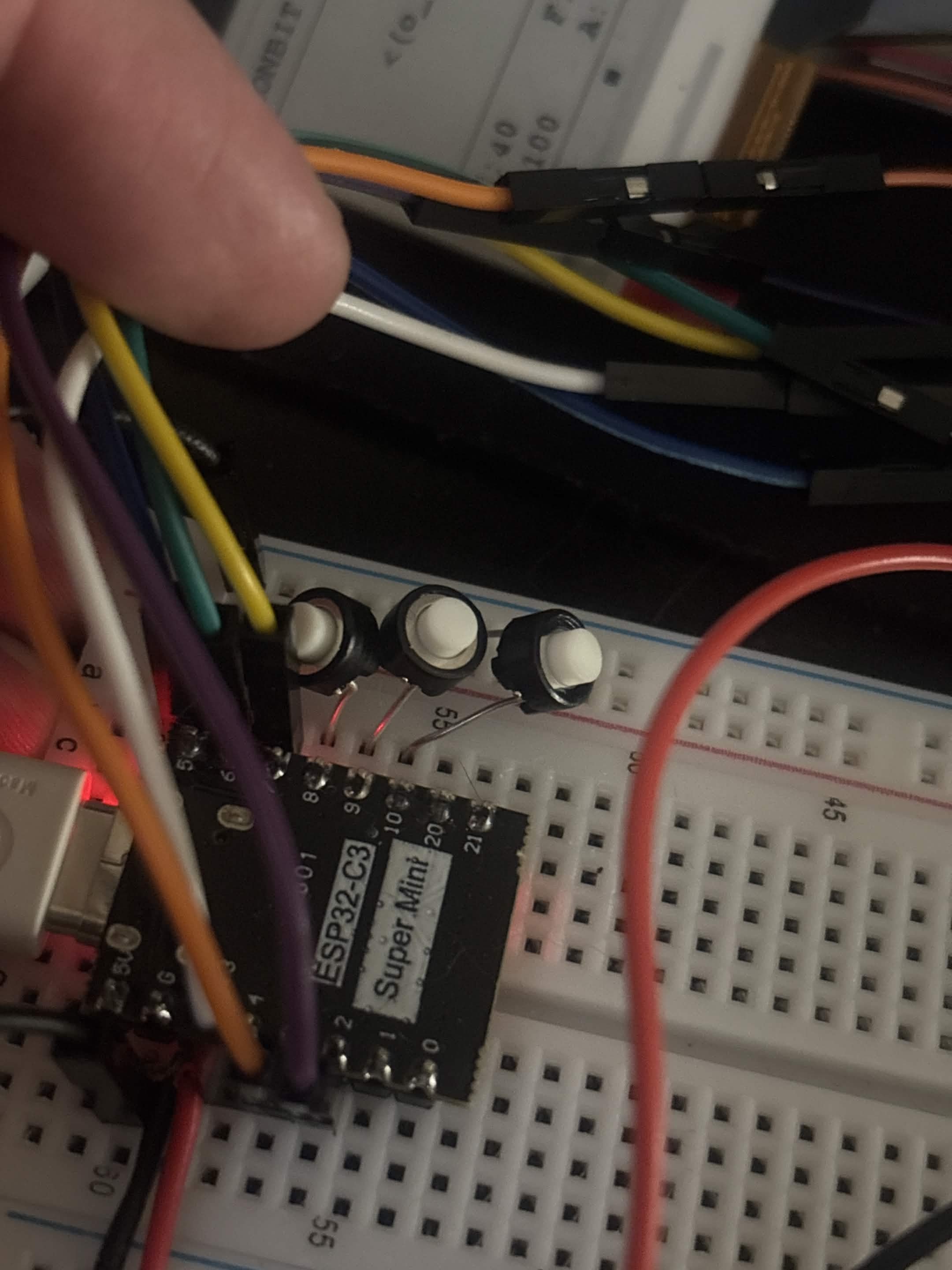
Three buttons connected

  • Connected two more buttons and added them on pins 8, 9 and 10.
  • The old Feed button was removed, and currently the code only prints which button was pressed: LEFT, MIDDLE or RIGHT.
  • The breadboard is a mess, I know, but it will eventually be better.
  • Left button feeds the monster: hunger decreases by 10.
  • Middle button plays with the monster: fun increases by 10, hunger increases by 10, and energy decreases by 5.
  • Right button makes the monster sleep: fun decreases by 5, hunger increases by 5, and energy increases by 10.
3 Buttons

monbit

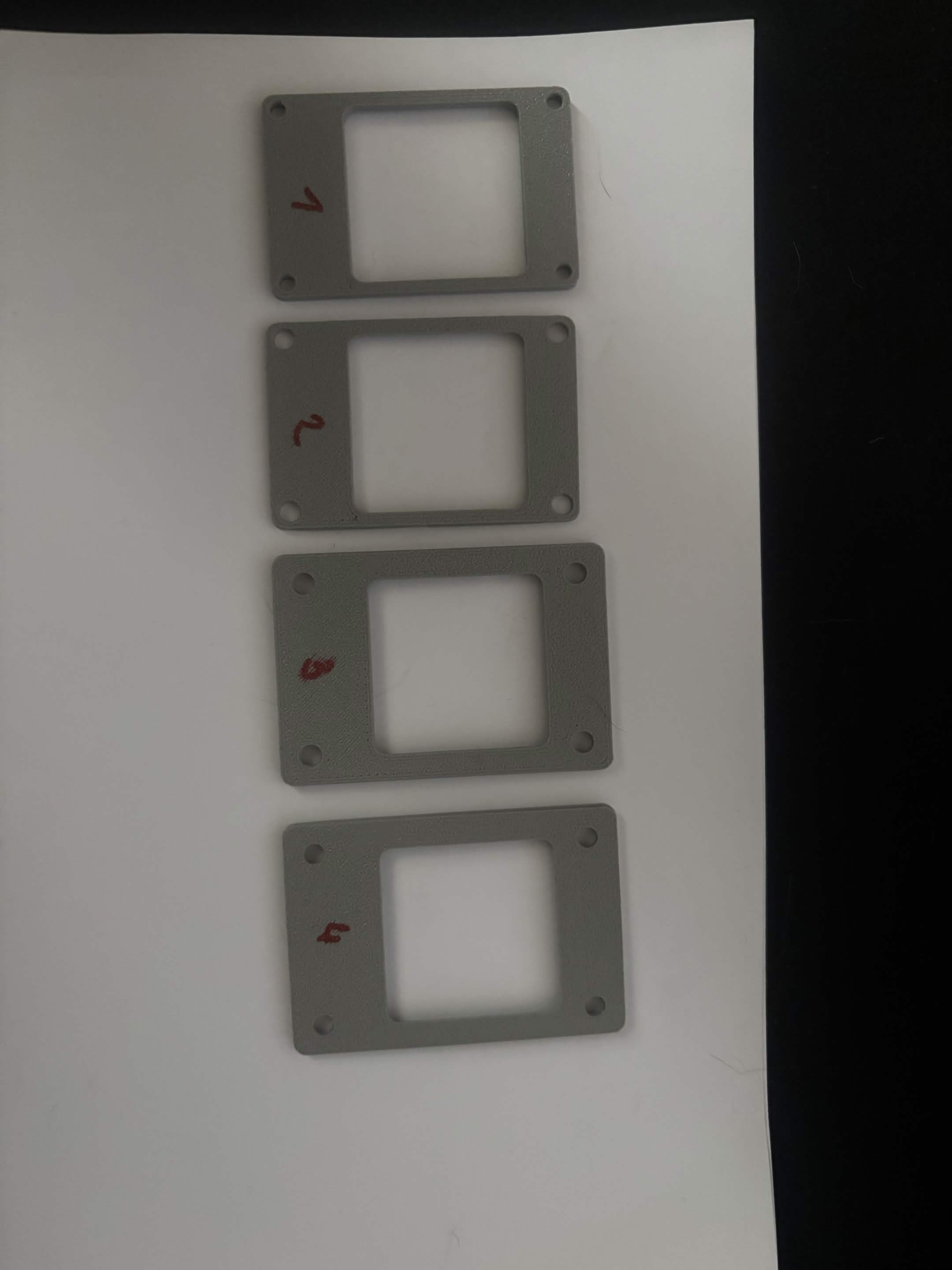
Front lid Prototype 2

  • Fits well, but it sits on top of the PCB and needs to be made slightly over the edge.

monbit

Front lid Prototype 3

  • Fits well, but I still need to adjust the back part to have a good grid for the PCB and edges.

monbit

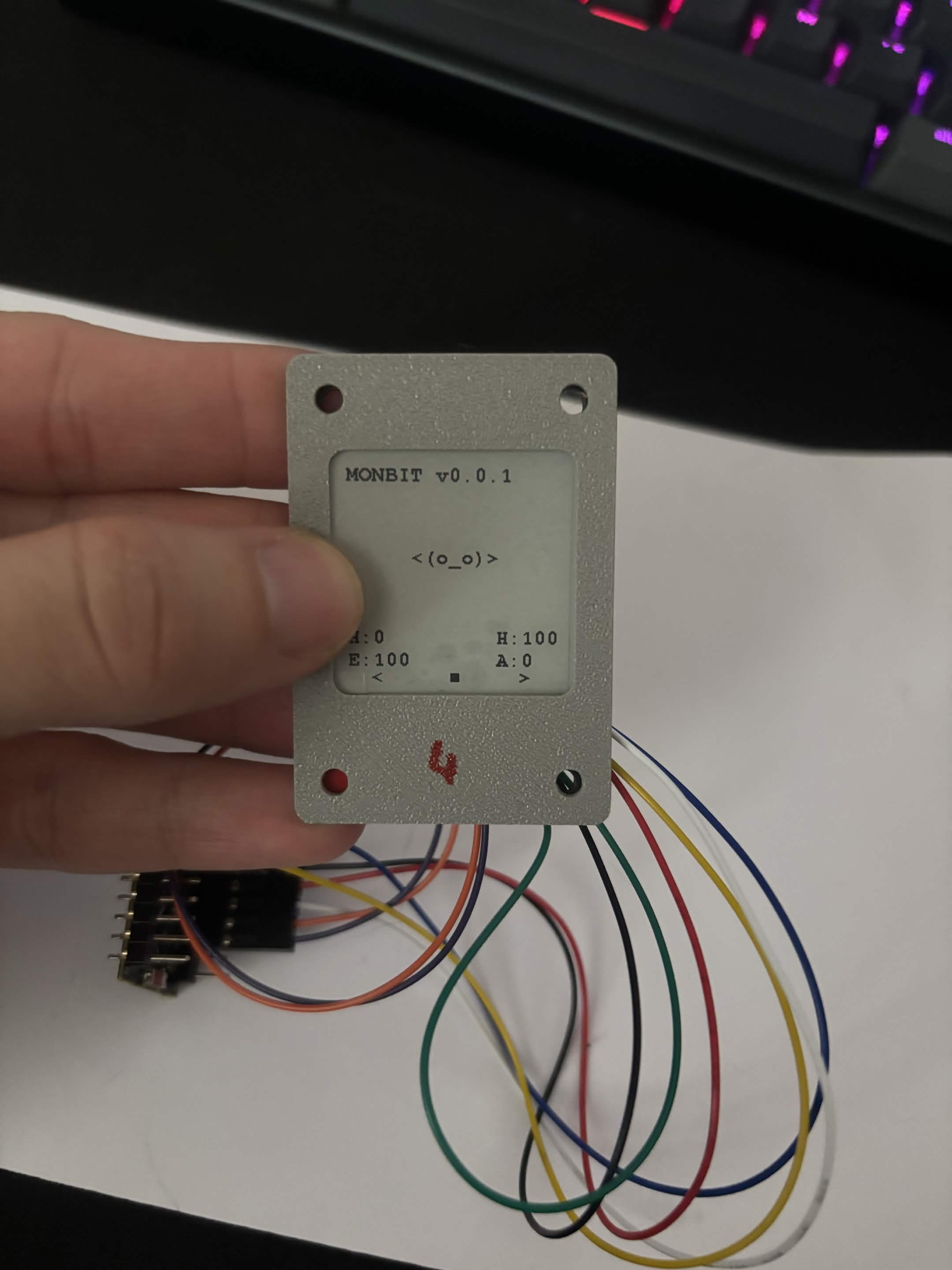
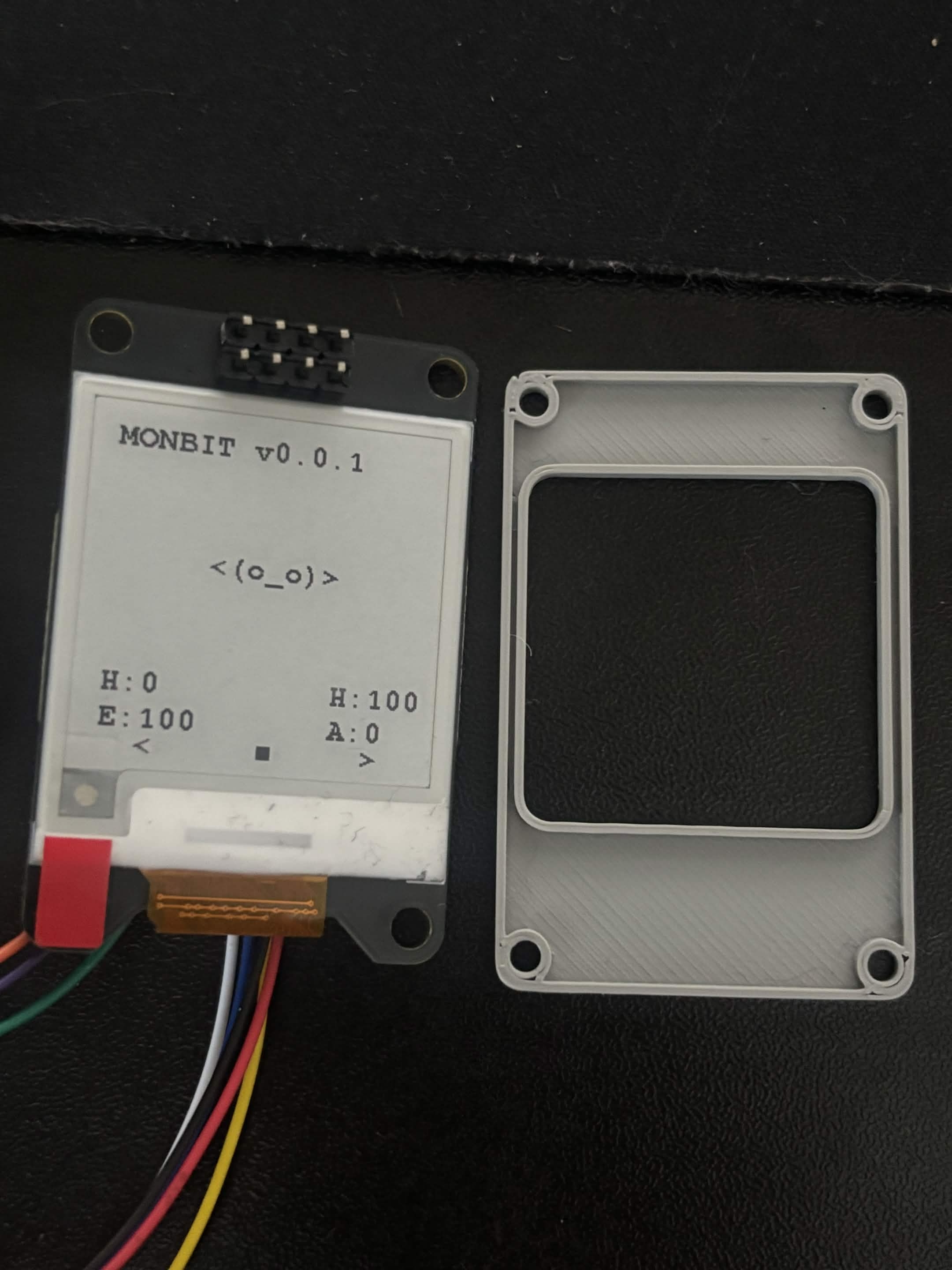
Front lid Prototype 4

  • Almost perfect, maybe I will adjust the size a bit more.
  • In the future, I might make it deeper.
Fourth front panel - front Fourth front panel - back

monbit

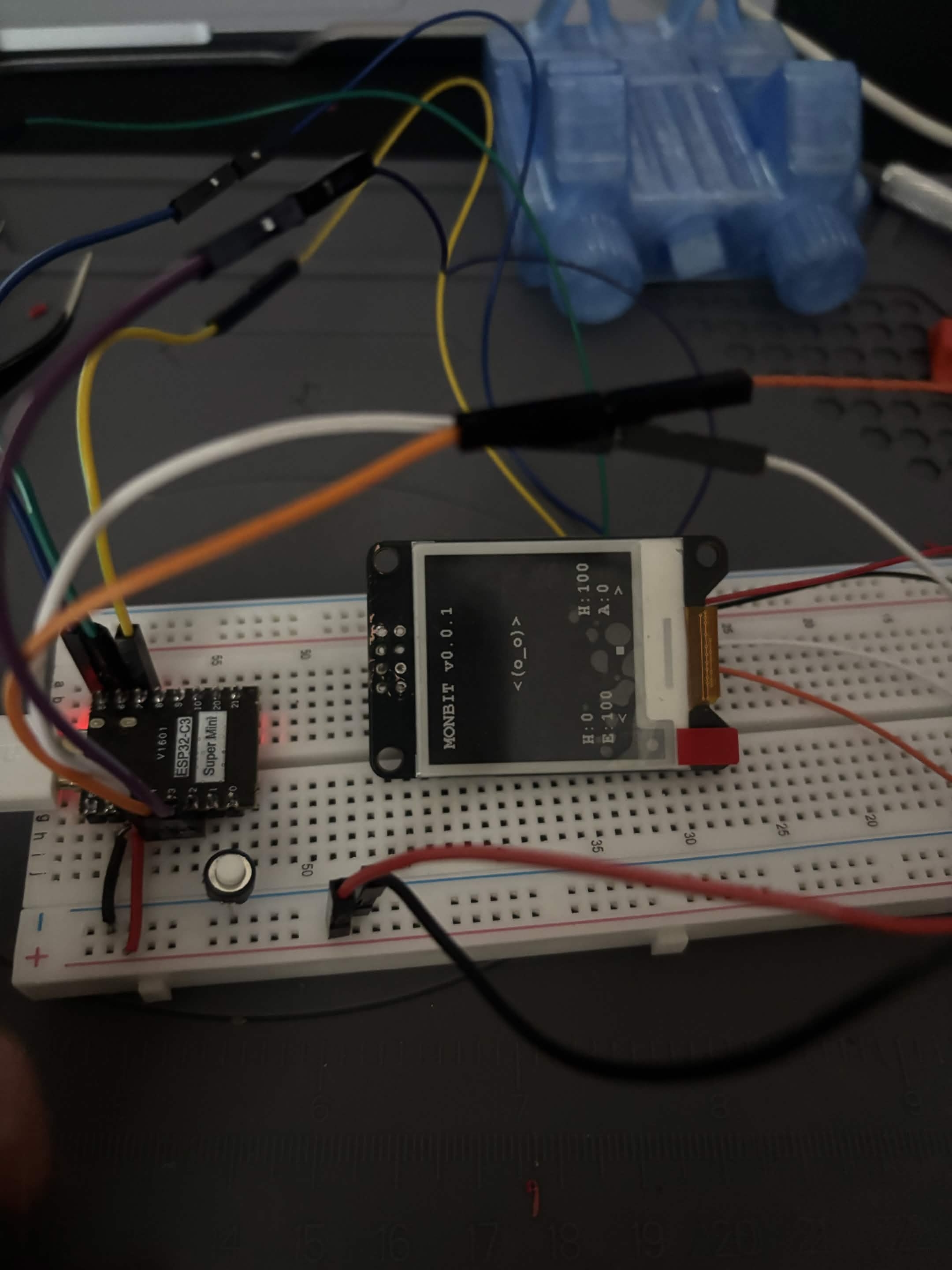
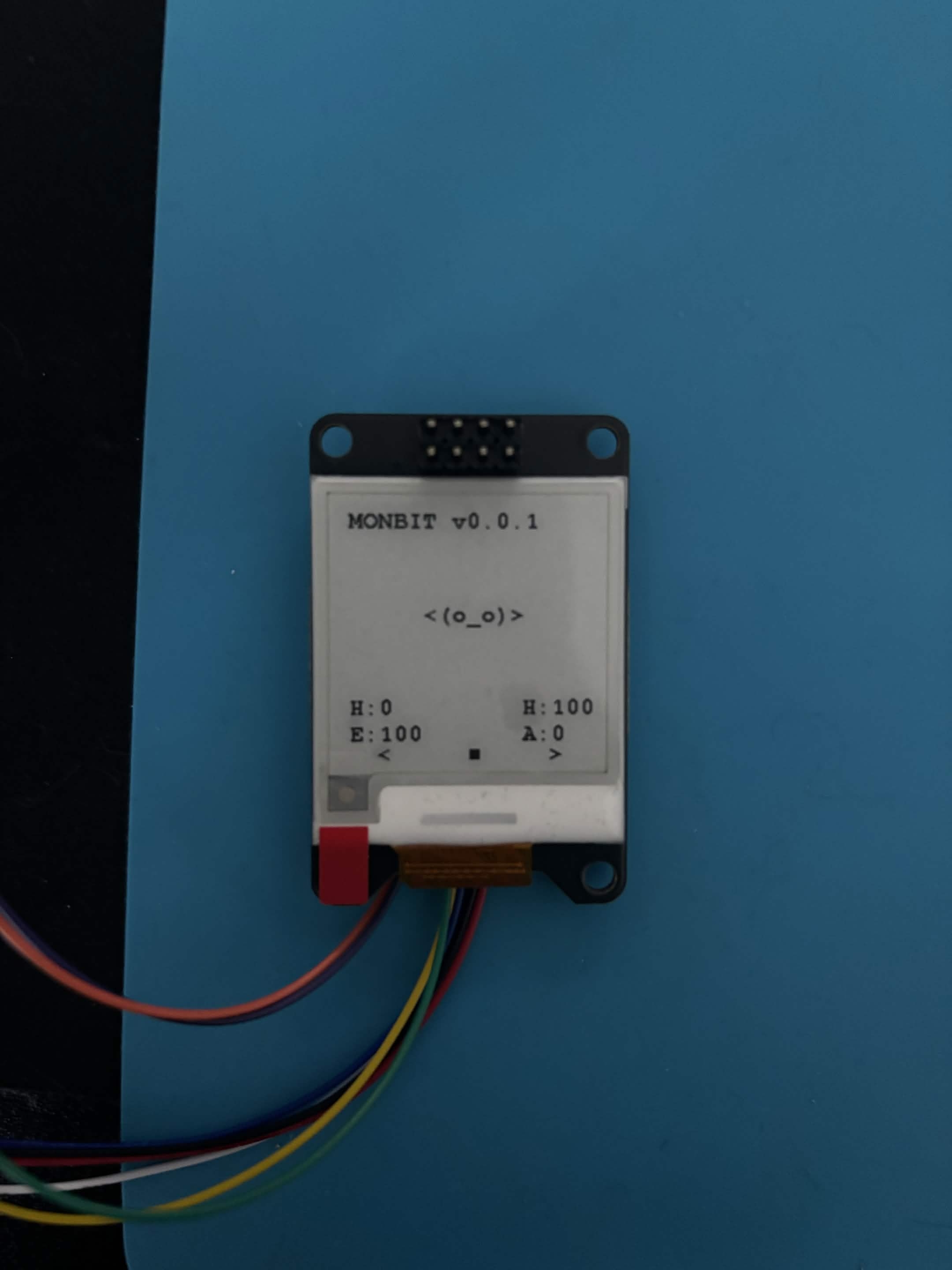
v0.0.1

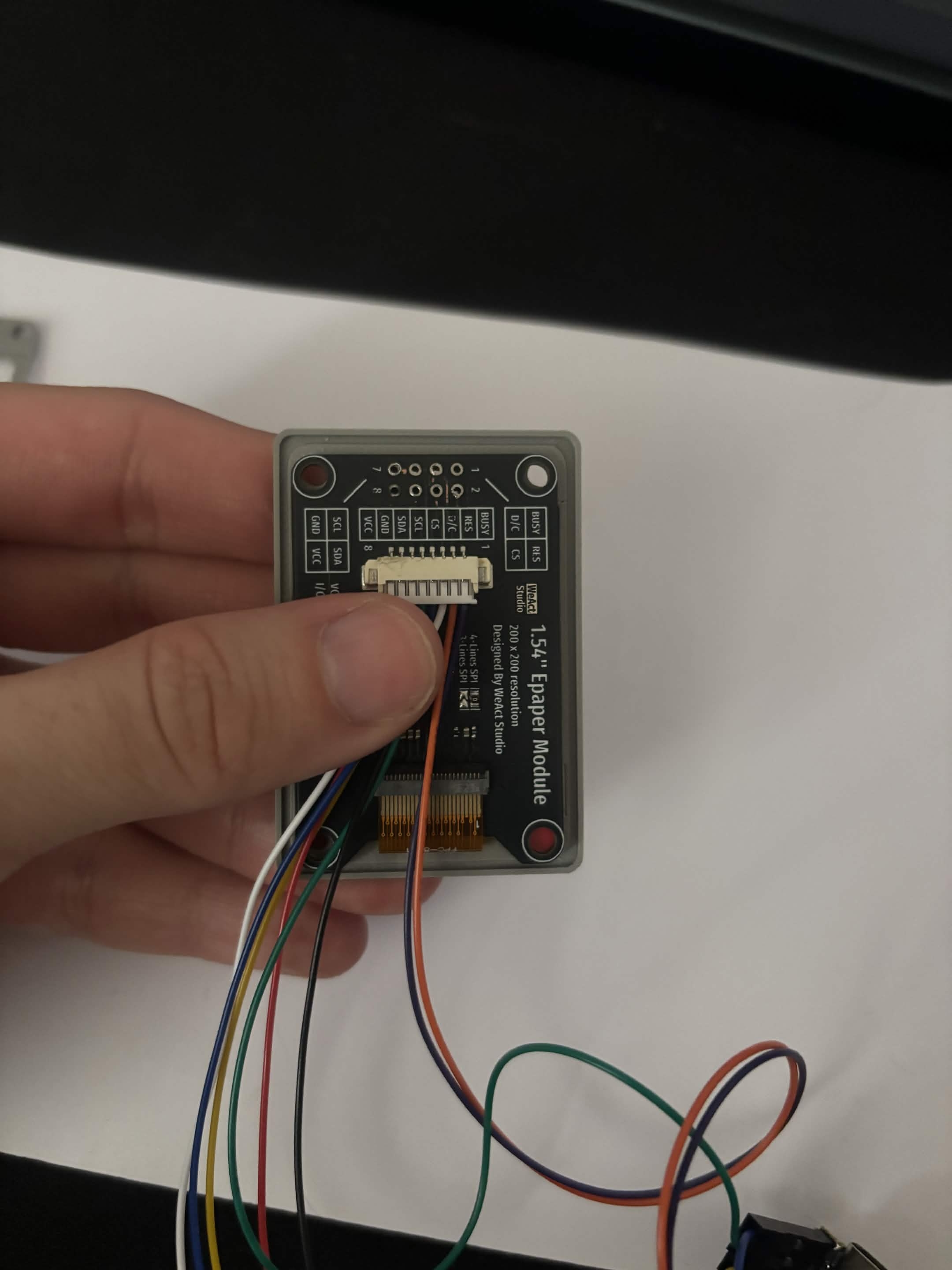
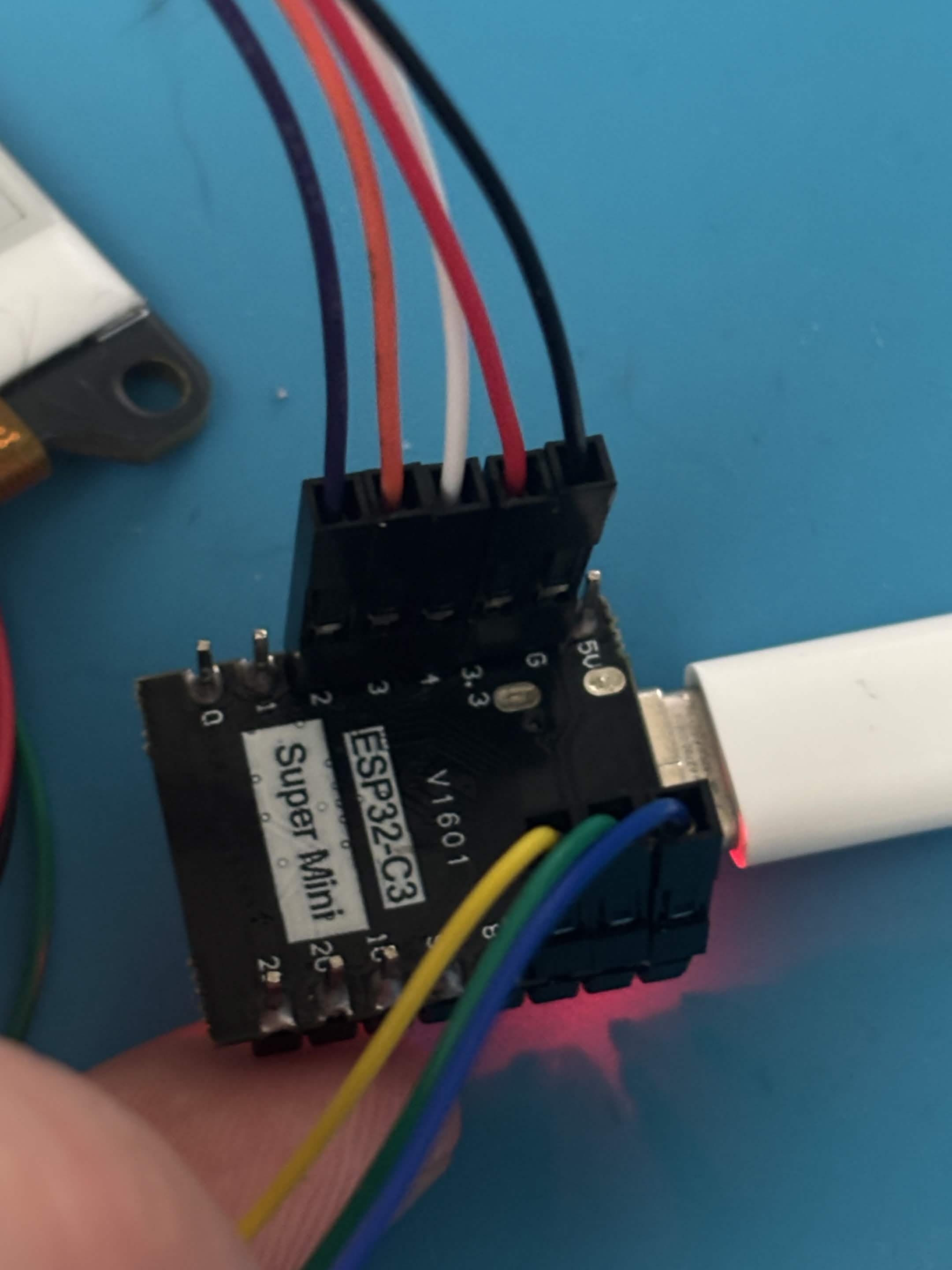
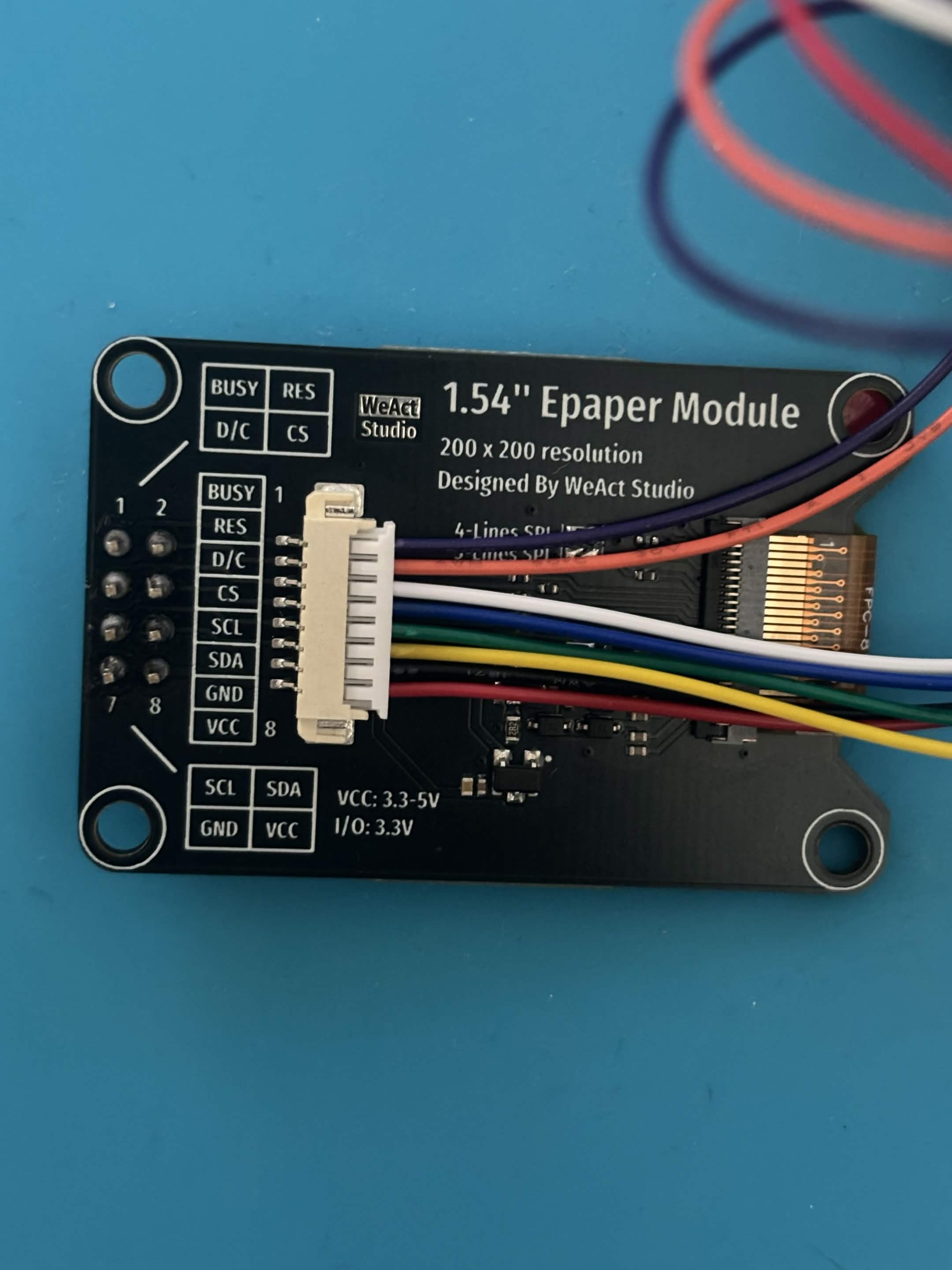
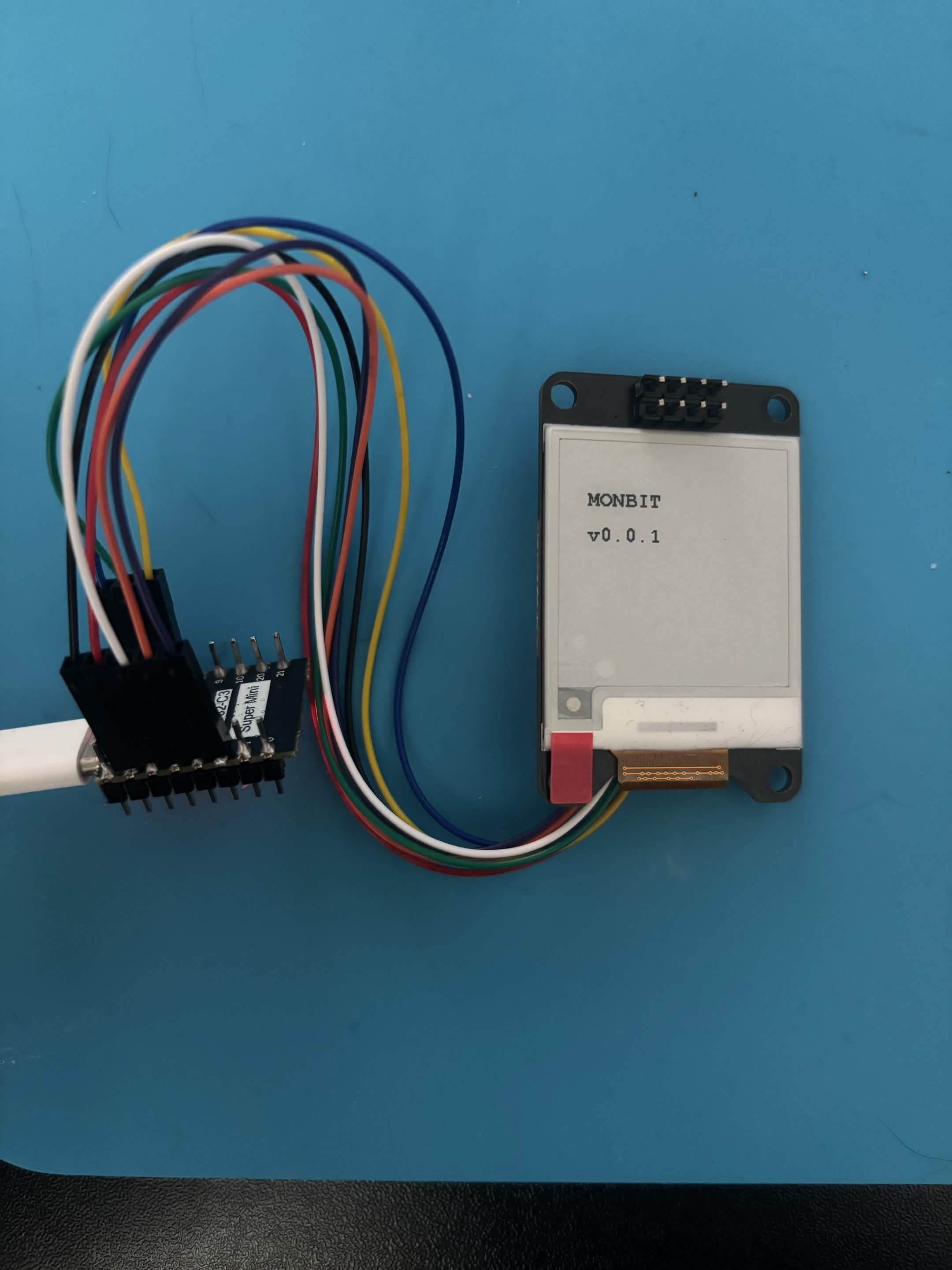
  • ESP32 configured
  • E-Ink display working
  • First UI rendered
  • Yes, I know, I soldered the pins in the wrong direction. I fixed it later.
ESP32 to display wiring Display plugged in First screen text First UI rendered

monbit

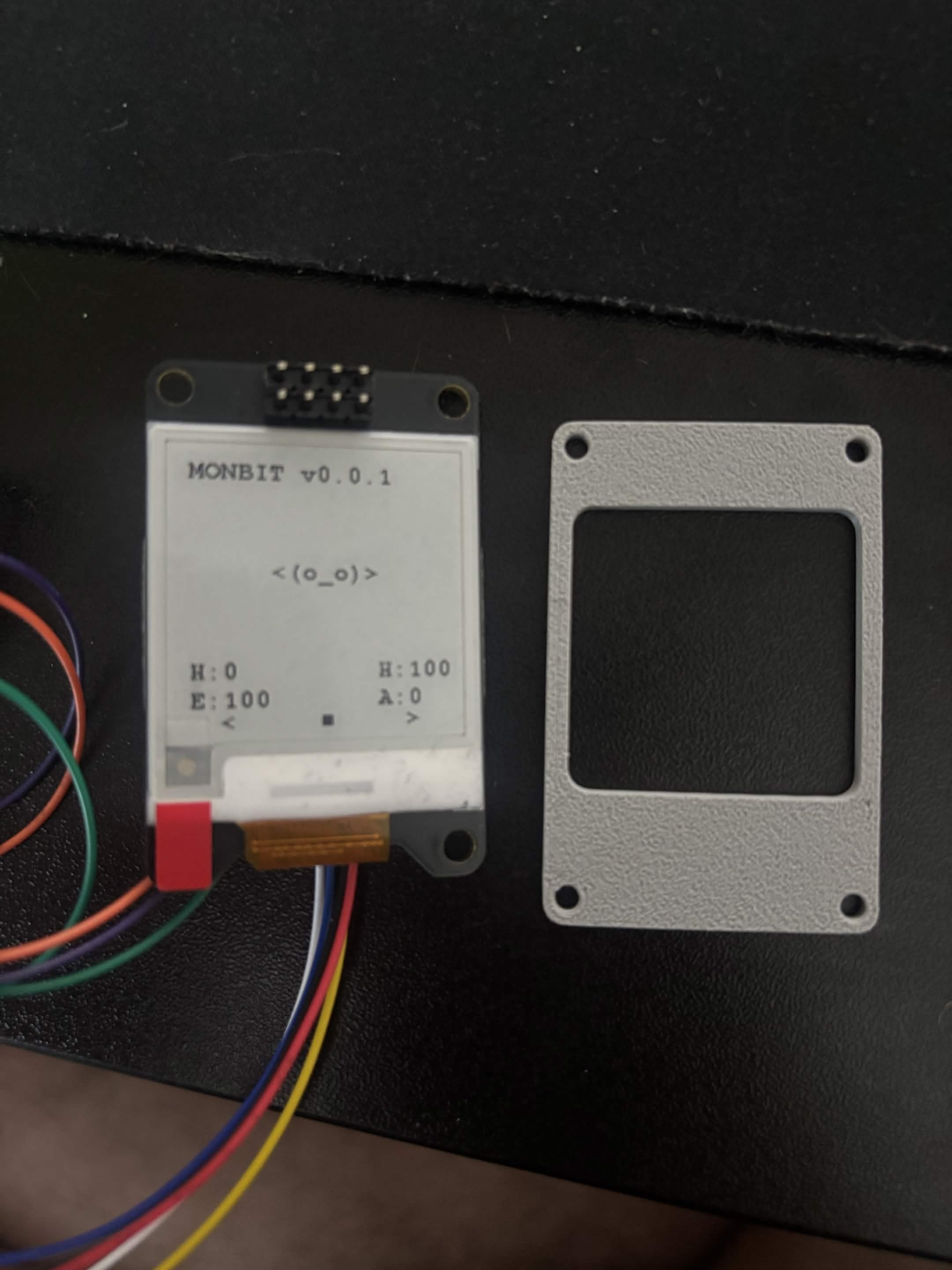
Front lid Prototype 1

  • First enclosure top cover printed
  • Learned enclosure is too small for PCB
  • Screw holes tested, quite small
Many tries of the front panel First front panel - front First front panel - back

monbit

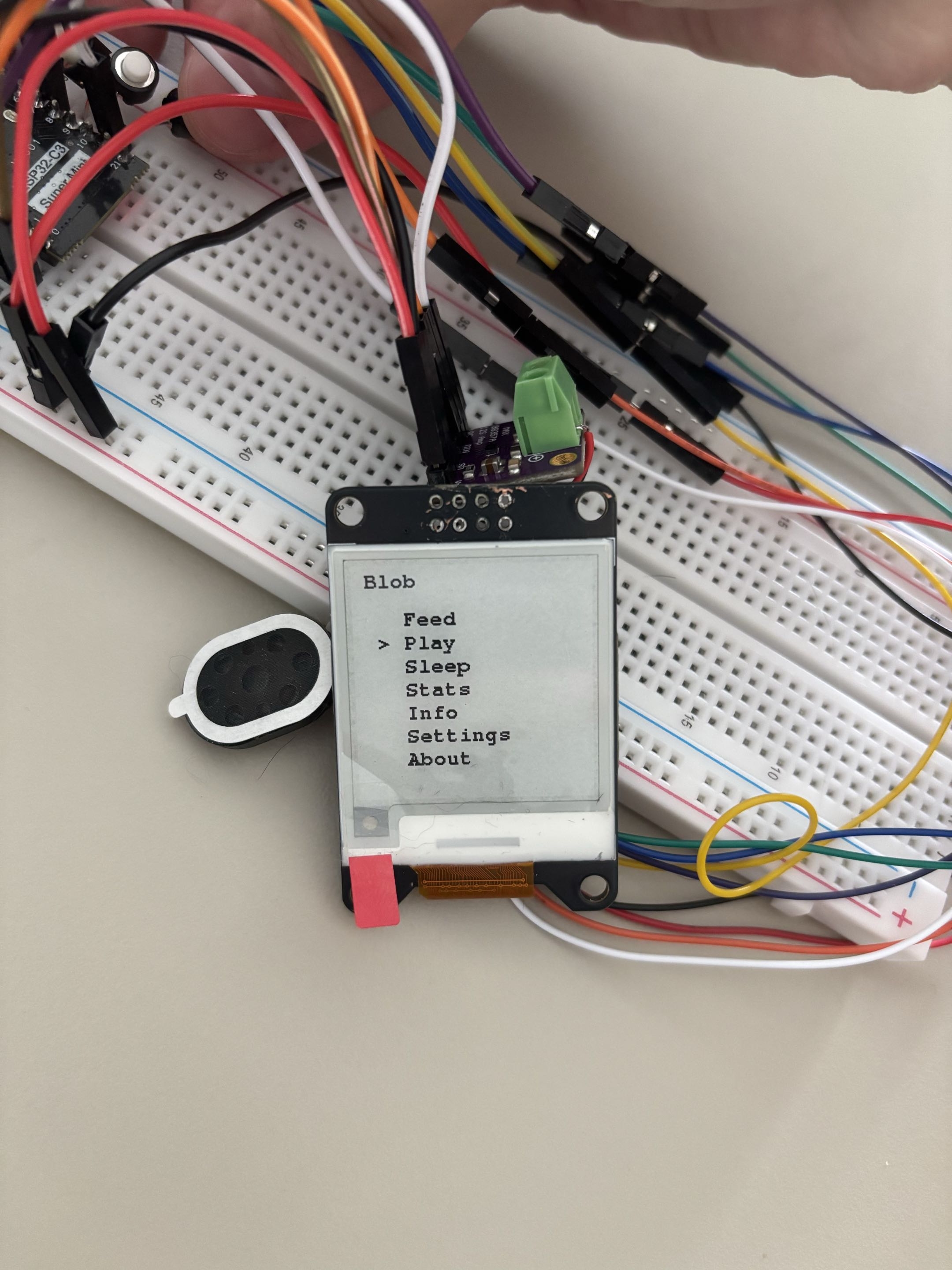
UI and Menu System

  • Added a basic menu when the middle button is pressed.
  • The user can navigate using the left button, right button and middle button to confirm.
What's on menu for today v0

monbit

Species

  • I am trying to add species, starting with Slime and Blob.